Find something to watch by place
A place can be the starting point for discovering a stream. You might be curious about a city, a local event or an everyday activity somewhere else. Open the live stream map guide to understand the viewing path, then explore the available public videos in Pyjam.
Read the details of a video before watching: where it relates to, what the creator is showing, and whether it is live or recorded. A point on a map does not guarantee a broadcast at that location now. Availability changes as people start, finish or remove their streams.
If nothing relevant is available, try a different area or return later. Choose a stream for its subject as well as its location: a creator explaining a process can be more useful than a view without context. You decide what to watch before opening the creator path yourself.
Watch live or return to an available replay
A live stream shows a moment while it happens. A replay is a recording that you can watch afterward when it remains available. Both can help you explore a place, but they answer different questions: a saved video does not show what is happening there right now.
Check the status and date rather than relying on a thumbnail. If a recording interests you, open its current details in the app; this page does not promise a fixed storage period, a download or permanent access. The creator's choices and current service options affect what you can watch.
Prepare a mobile broadcast around one clear idea
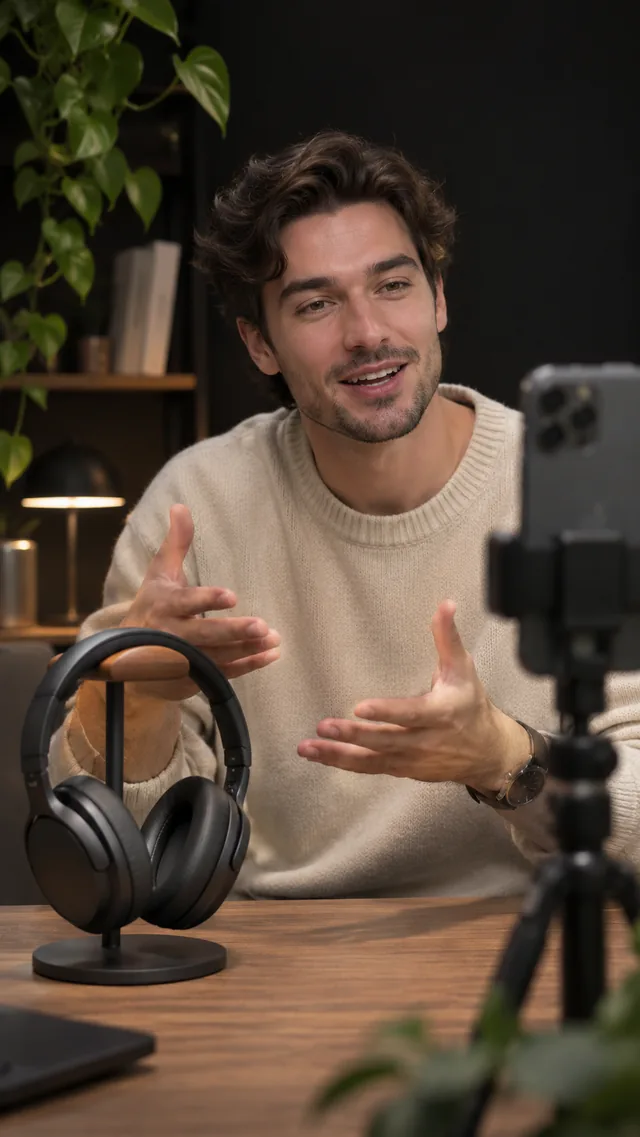
Choose a subject that you can show and explain: a craft in progress, a short walk or a skill you know. Tell viewers what they are looking at before moving to the next detail. One focused idea makes a first stream easier to follow than an unplanned sequence of shots.
Before starting, check your camera, microphone, connection and battery. Listen for background noise and keep the phone steady. Read the first live stream guide, then open the creator area to review the actions available to your account. A sign-in or additional setup may be required.
Make room for conversation
When live chat is available, a viewer can ask about what the creator is showing. Leave a pause after an explanation, answer a relevant question, then return to the subject. Comments and reactions can add context without turning the stream into a private call.
Keep comments respectful and avoid repeating somebody's personal information aloud. Check the reporting and audience controls offered in your current app. If you are filming while moving, stop somewhere appropriate before reading messages rather than dividing your attention between the screen and your surroundings.
Check what your stream will reveal
Look beyond the main subject. Addresses, documents, screens, notifications and background conversations can reveal details you did not mean to share. Ask people before making them the focus of your broadcast, and choose a different view when consent or privacy is unclear.
Decide whether sharing your location is appropriate. A map is useful for discovery, but it should not be treated as a reason to reveal a home address or follow a stranger. Read the official Terms & Conditions and Privacy Policy before creating an account or broadcasting.
Open Pyjam in your browser or check the mobile app
You can start by opening Pyjam in your browser and exploring public videos on the map. If you prefer an installed app, check the official Pyjam listing on Google Play or Pyjam listing on the App Store. The store shows the current version and compatibility for your device and country.
Choose around what you want to do first. Watching a public video, joining a conversation and preparing a broadcast can involve different account or setup steps. Follow the options shown in your current app; a store listing does not guarantee a particular stream is available now.
Choose your next step in Pyjam
Start as a viewer if you want to understand the format. Open the app, look for public streams and check whether a video is live or a replay. If you have a moment to share, prepare your phone and choose the creator path when you are ready.
Comparing services first? Our live streaming platform guide separates audience discovery, mobile broadcasting and production tools so you can choose around your actual goal.