How to find a live stream by location
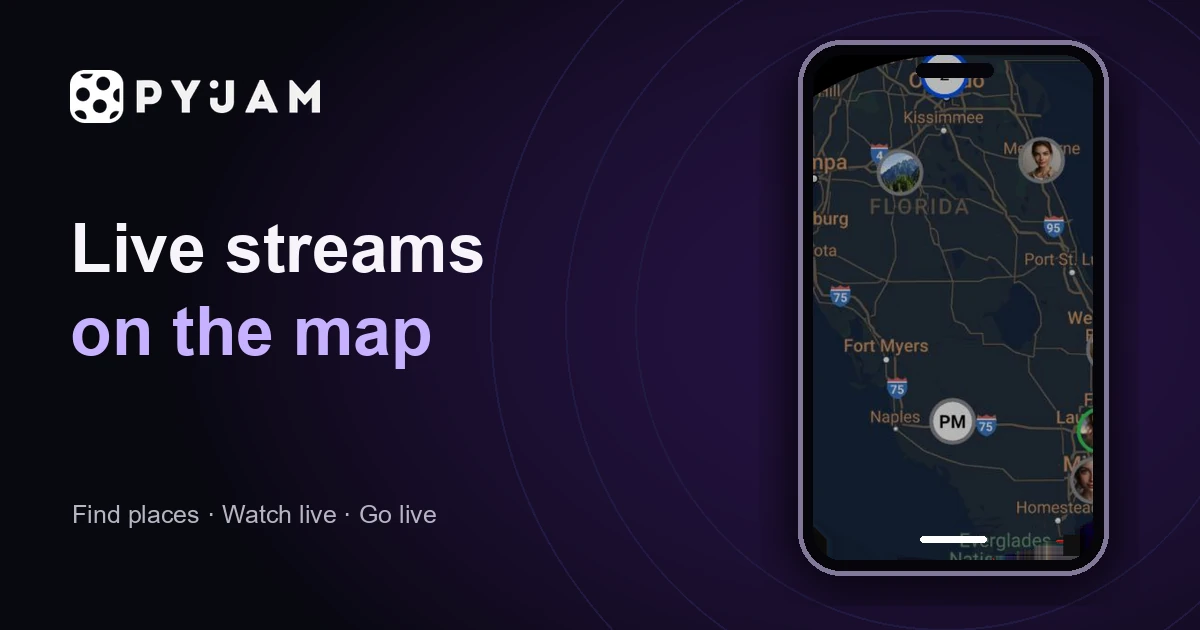
- Open the map in Pyjam and choose an area you would like to explore.
- Look at available public videos connected to that area.
- Open a card and read its title, description, time and current status.
- Choose a live broadcast or an available replay that fits what you want to see.
Think of a place and a question together: perhaps a walk through a neighbourhood, an outdoor activity or a creator describing a local scene. This is more useful than opening every marker. Interface labels can vary between devices; use the information shown in your version of the app.
Check whether the video is live or a replay
A location tells you where a video is connected to; its status and time tell you when it was filmed. A replay may help you get to know a place, but it does not establish what is happening there now. Read the card before assuming that a marker represents an active broadcast.
During a live stream, interaction depends on the options available for that broadcast. A replay is a recording you can watch when it is available. Neither format guarantees a complete view of a place. Choose the one that answers your question rather than treating them as interchangeable.
Choose the kind of view you want
| Your interest | What to check |
|---|---|
| A walk or local story | Look for a creator who explains the surroundings and gives useful context. |
| A particular activity | Read the description and check whether the subject is actually visible. |
| Something happening now | Check the live status and time rather than relying on the map marker. |
| A place to explore later | An available replay may be useful; check its date and what it covers. |
Neighbouring markers may show different subjects or different times. Compare the content, not just the number of points. If you cannot tell what a video shows, try another card or broaden the area you are exploring.
A live stream map is different from a webcam directory
A fixed webcam usually shows one viewpoint. An IRL stream can follow a person, an activity or a changing scene. An event map may only mark an event's location, without providing any video. Before choosing a service, check what its markers actually mean.
Weather and satellite maps display environmental measurements or imagery. Pyjam's map links to public videos shared by creators, whose timing and availability can vary.
Pyjam introduces discovery through public streams and replays connected to places. A marker does not promise a permanent camera, continuous broadcasting or exact tracking of a creator. To compare this approach with other ways of finding live video, read the live streaming platform comparison.
What if there are no streams in the area?
Try a nearby area, return at another time or choose a replay when a current view is not essential. Availability changes with what creators publish and what remains accessible. Pyjam does not promise a live stream in every city, neighbourhood or location.
An empty area is not evidence that a place is closed or that nothing is happening there. Likewise, a single camera view is not a reliable basis for decisions about travel conditions, weather or personal safety. Use an appropriate current source when those details matter.
Explore places while respecting privacy
Watching and broadcasting are different actions. Entering the map does not mean you are sharing a camera view. Review any permission request and its purpose rather than assuming that all permissions are needed for every task.
Respect the boundaries of creators and people in the frame. A public video is not an invitation to locate someone outside the service. If you later decide to broadcast, check what location and personal details other people could see before going live.