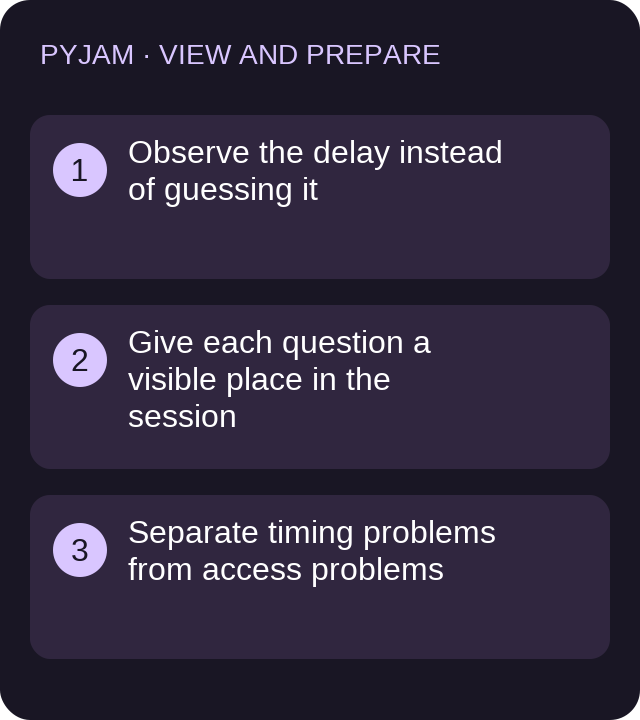
Observe the delay instead of guessing it
In a suitable supported rehearsal, make a clear gesture or say a short cue and ask a helper to tell you when it reaches the viewer. Treat the result as an observation of that setup and moment, not a permanent specification for the platform. YouTube's guidance defines live latency as the delay from capture to display and describes trade-offs in its own settings. Other services may offer different controls or none of those choices. Do not promise instant conversation merely because the sender's preview appears to move smoothly.
Give each question a visible place in the session
Announce when you intend to take questions. After asking the audience something, leave enough time for the prompt to reach them and for a response to return through the available interaction route. Repeat the relevant question before answering so that people who arrive later can follow the context. If you need to move on, say when you will revisit the topic. A quiet pause can be useful; it should not automatically trigger a rapid series of new prompts that makes earlier replies seem out of place.
Separate timing problems from access problems
A delayed response may involve video timing, audience attention, or the conversation controls themselves. Check whether comments or questions are actually available in the session before assuming that everybody can reply. This guide does not claim that Pyjam provides the same live-chat controls as another service. Review what the chosen destination offers and prepare an explanation that still works for viewers who only watch. If you are alone at the camera, choose a safe stationary moment to read any available questions. After the trial, note where the rhythm became confusing and change one part of the session, such as the length of the pause or the way you repeat a question, before trying again.