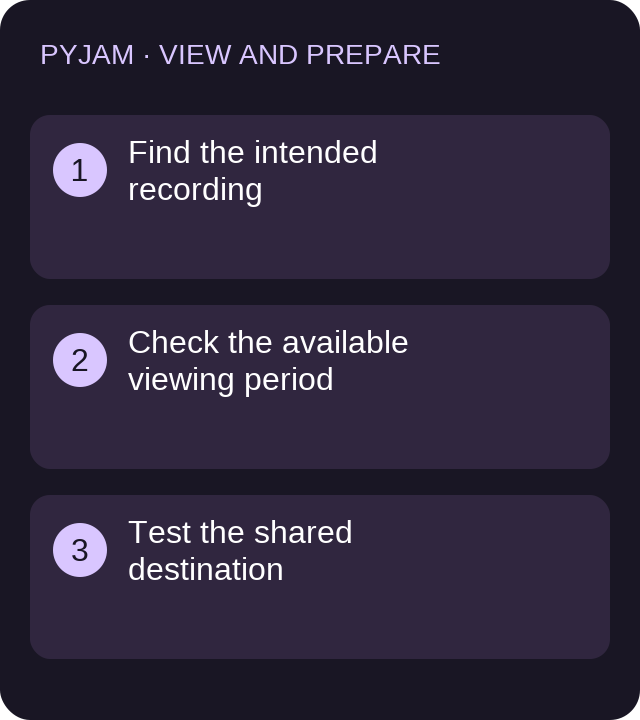
Find the right recording
17LIVE’s English archive guide describes finding recordings through a streamer’s profile and through Trending Archive Videos. Start with the creator whose session you wanted, then check the selected recording’s subject before settling into playback. If there is no archive to select, do not assume that every broadcast was saved or published. Record the question you hoped to answer and look for a suitable available recording instead of relying on a thumbnail alone.
Check time and viewing context
The official guide describes a seven-day archive period and a recording limit of eight hours. It also says the feature is limited to certain regions. Check the current video in your own account before planning a later viewing session. Avoid presenting its link as a permanent reference. If you are documenting a demonstration, note which part you watched and distinguish your observation from what may have happened outside the available recording. A replay can explain a technique without showing current conditions.
Test the shared destination
17LIVE’s guide says an archive link can open the recording for someone with the app installed, while someone without it can be taken to the creator’s profile. Make the invitation specific: name the creator, describe the recording and say that it is a replay. Ask your intended viewer to confirm the destination before arranging a group discussion around it. If the link leads to a profile rather than the video, use the currently available official route and check again. Do not promise identical playback on every device.
Choose your next viewing task
For a particular 17LIVE creator, that creator’s own profile and archive controls are the relevant starting point. For exploring a place or a practical activity, open Pyjam and inspect the public videos currently offered through its map. Check the selected item’s description and live or replay context. Choose a video that answers your question, then decide whether you want to keep watching or prepare a stream of your own. This choice follows the task you want to complete, without assuming that one service’s archives or account can be moved into another.