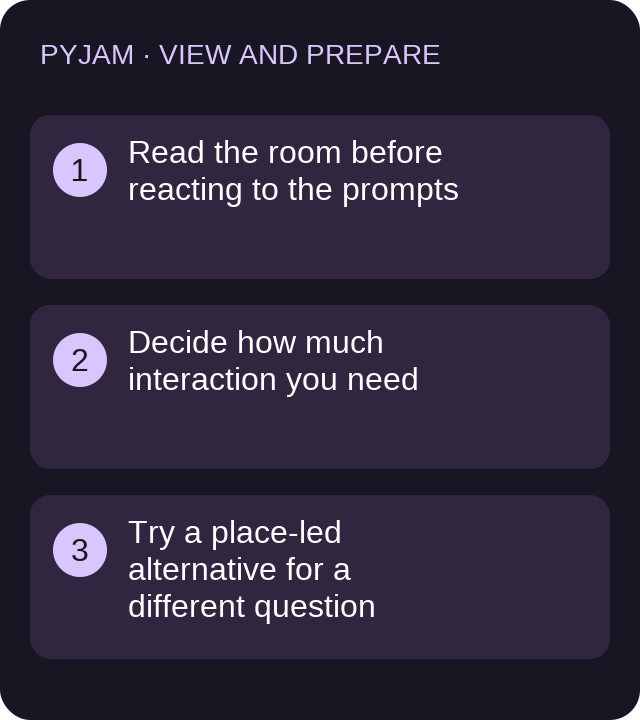
Read the room before reacting to the prompts
BIGO's official introduction presents the service as a place to watch or broadcast live video and chat. Begin with the broadcaster's subject and language. Listen long enough to understand whether the host is performing, discussing a topic, or responding to regular viewers. The most visually active room is not automatically the most useful one for a newcomer. If the page includes optional purchase or support prompts, separate them from the question of whether you want to watch. Take time to understand any action before committing to it.
Decide how much interaction you need
Some visits are complete after watching a short explanation or performance. Others depend on being able to ask a question and follow a reply. Look at the room's available controls and any instructions from the host before assuming the conversation is open to everyone in the same way. A large audience count does not establish that your question will be answered. Choose a modest first objective, such as understanding the subject or finding a creator you would return to. Evaluate that result rather than comparing services using gifting or earnings claims that do not describe your viewing task.
Try a place-led alternative for a different question
When your interest starts with a location, use the Pyjam map to see which public videos are currently available around it. Inspect live or replay status and the context of the selected item. A location-based visit should not require a creator to reveal a private address; broad scene information may be enough. Compare a specific BIGO room and a specific Pyjam video using the same practical question about what you can understand from watching. The hosts, account relationships, and room features are separate on the two services. Opening a different destination does not transfer a community, and a short successful visit does not guarantee continuous coverage of the place or subject you searched for.