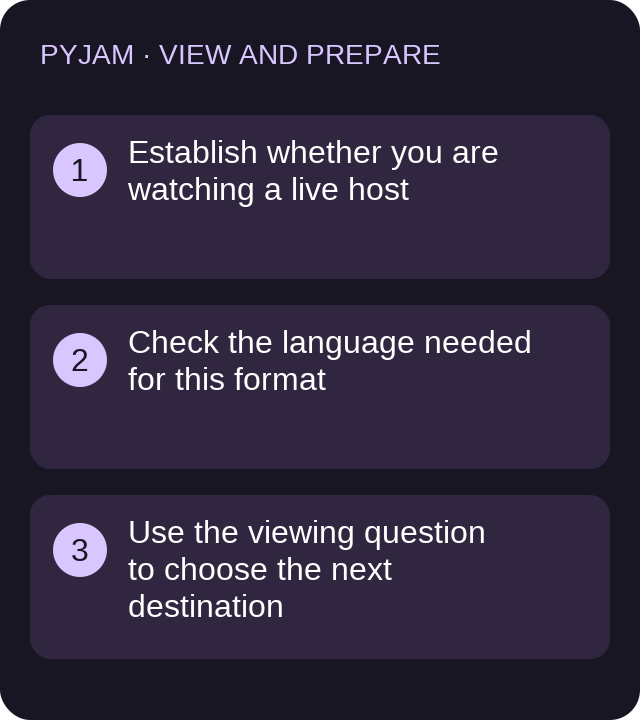
Establish whether you are watching a live host
Bilibili's 2025 annual report describes live broadcasting in which viewers watch hosts' performances and interact with them. That differs from choosing a stored video to watch at your own pace. Read the video's or room's context and the controls actually offered. A familiar thumbnail or creator name does not by itself establish that the material is happening now. If a link was forwarded to you, return to its original viewing context when possible so that you can see what the publisher says about the session.
Check the language needed for this format
A performance, a tutorial, and a conversation can require very different levels of language understanding. Listen before relying on the session for an explanation. An English company report helps describe the business but does not translate the consumer interface, a host's speech, or the room's discussion. If captions or other language aids are offered, test those specific controls rather than assuming they appear on every item. Keep the live audience conversation separate from any comments attached to a recorded video. Participation may not work the same way across the two modes.
Use the viewing question to choose the next destination
If you want this particular Bilibili host or recorded lesson, changing platforms may remove the very content you wanted. If you instead want to explore an everyday scene by place, use the Pyjam map and inspect an available public video. Check whether it is live or a replay and whether you can follow its explanation. A replay can still provide context about an activity without proving current conditions at that location. Compare the two routes around that practical need. Avoid treating a catalogue description or an investor report as a guarantee of access, an English-speaking audience, or identical recording and interaction features across services.