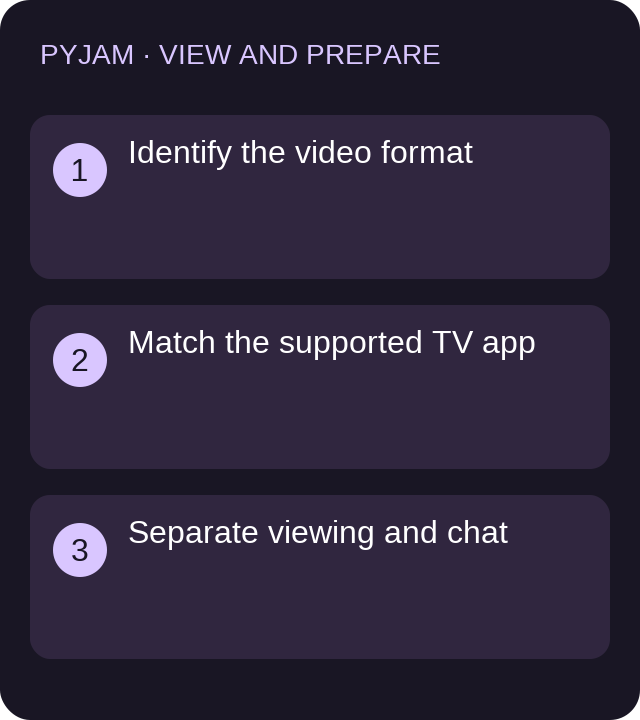
Match the format to the TV app
For the supported LG and Samsung smart TV apps, NAVER’s content table lists both live viewing and replays. Its Apple TV and Android TV entries list live viewing but do not list replay support. Clips are marked unsupported across the four entries. Use this as a device-specific checklist, rather than assuming every CHZZK video opens on every television. First identify whether your intended item is live, a recorded broadcast or a clip, then compare it with the current help and the app available for your device.
Check the particular video and device
The same official help warns that age, region and viewing conditions can restrict some live and replay content. Check the actual item before inviting someone to watch with you. Confirm that the relevant app is offered for your television and review its current requirements in the device’s store. A platform name in a support table does not establish compatibility with every model. Note the programme or creator you wanted so that a device limitation does not become confused with the availability of the content itself.
Keep viewing and chat input separate
NAVER’s TV guidance directs chat input to its mobile app or a PC. Plan the viewing screen and the conversation route separately if participation matters to your visit. Make sure you can understand the creator’s commentary before joining a discussion; an English explanation of the controls does not establish that the broadcast is spoken in English. If the video is a replay, distinguish a recorded conversation from something happening now. These checks help you decide whether the selected setup fits watching, commenting or following a particular creator.
Choose a subject for the next step
For a CHZZK creator you already follow, begin with that creator’s available channel and viewing route. For exploring a place or a practical activity, open Pyjam and inspect the public videos offered through its map. Read the selected item’s description and establish its live or replay context. Choose a useful video for your question, then decide whether to keep watching or prepare a stream of your own. This is a choice of viewing task; it does not establish a Pyjam television app or a transfer of CHZZK content.