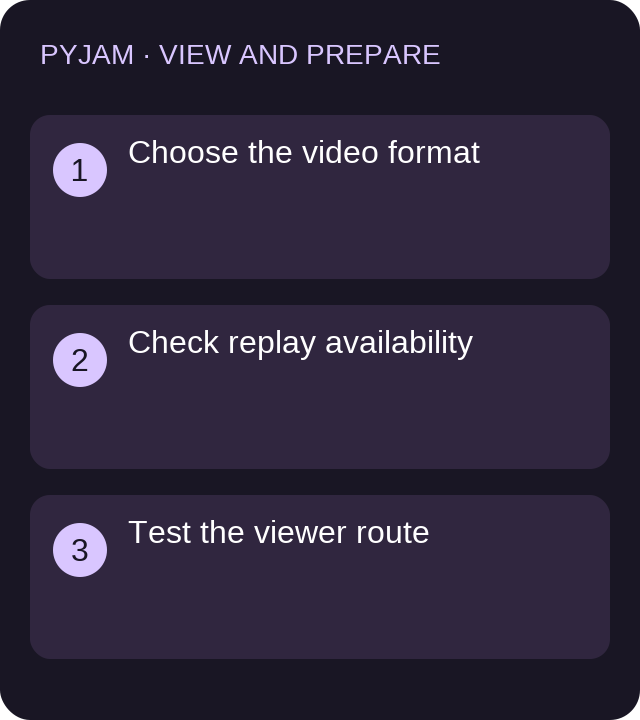
Identify the service and the video format
Use the GoodGame.ru domain when following a channel or checking its help. In an English search, the GoodGame name can lead to other products. On the service, distinguish a channel’s live session from a scheduled announcement, a short clip and a recording. Read the item’s title, date and status before treating a poster or an older moment as a broadcast happening now. A game category can narrow the subject, but it does not establish that the creator speaks English. Listen to the selected video rather than generalising from the site’s name.
Check recording availability on the channel
GoodGame’s Spring 2026 update reports that recordings are available to all premium channels rather than only the top fifty. Read this as a reported channel capability, not a promise that every programme has a public replay or that every viewer has unrestricted access. Open the actual item and inspect the conditions it presents before planning to watch later. If older help and a newer update appear different, check the source date and the current channel rather than combining their rules. This guide does not promise a universal retention period.
Separate player plans from a viewing test
The same update discusses changes to quality selection, error handling and the player interface, with changes appearing progressively in mobile releases. It describes H.265 support as a plan. That is different from a verified feature on every device or an independently measured performance result. Test the controls offered in your current version with one video containing clear picture and speech. If playback fails, note the item, device and symptom before comparing another available video. Do not assume that a future feature or a successful test elsewhere resolves your particular problem.
Compare one viewing task with Pyjam
Choose the task before comparing platforms: following a known channel, revisiting a recording or exploring a public video connected to a place. In Pyjam, open the app and inspect the available videos, their subject and live or recorded status. A successful viewing trial should include selecting an item and seeing playback, not only opening a link. Check the commentary language separately from the interface. The GoodGame source below is in Russian; this page is English guidance, not proof of English-speaking rooms or service availability in every country. Pyjam does not import GoodGame channels or recordings through this guide.