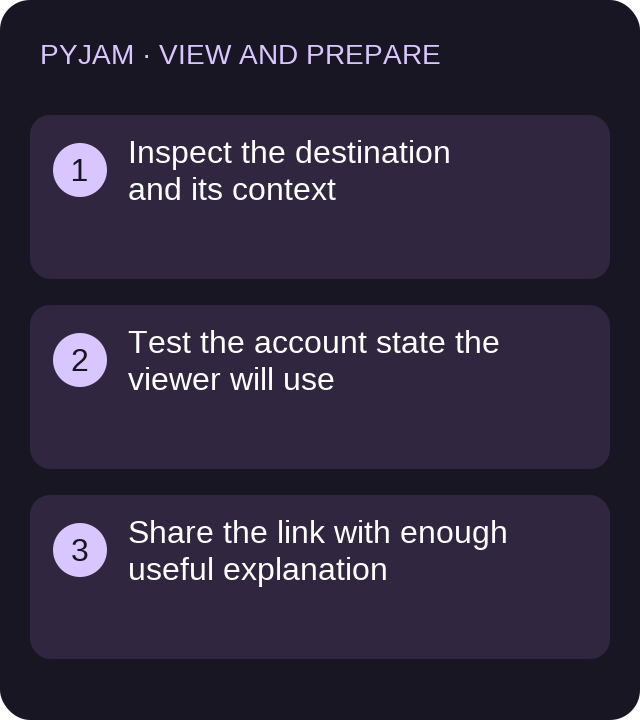
Inspect the destination and its context
Open the address you plan to share and read the page's identity, creator information, and video status. Make sure it points to the relevant item rather than a general home screen, a different creator, or your own setup area. If the link came from a forwarded message, compare it with the creator's published route when possible. Do not infer legitimacy from familiar-looking words inside a long address. Keep the surrounding description accurate and avoid sending people through an unrelated redirect simply because a shortened link is easier to type.
Test the account state the viewer will use
A viewing address may behave differently for an organiser, a signed-in participant, and a newcomer. Check the relevant state without changing someone else's privacy choices or bypassing an access requirement. If the page asks for sign-in, distinguish that from a playback error. If it opens a replay, do not describe it as a live session. If it presents a general discovery page, explain how to find the intended content rather than claiming the link goes directly to it. Keep optional interaction requirements separate from the steps needed only to watch.
Share the link with enough useful explanation
Include the subject and any timing or access information the recipient needs. For Pyjam, the app's viewing route and the creator preparation area serve different tasks. Use the map and available Content panel items to explore public videos, and inspect the actual selected item's details before sharing its offered route. This guide does not promise that every item has the same sharing controls or that every old link remains available. After sharing, be ready to correct the description if the creator changes the session or the video state. A helpful invitation reduces uncertainty; it should not require recipients to reveal private account information to prove that the link works.