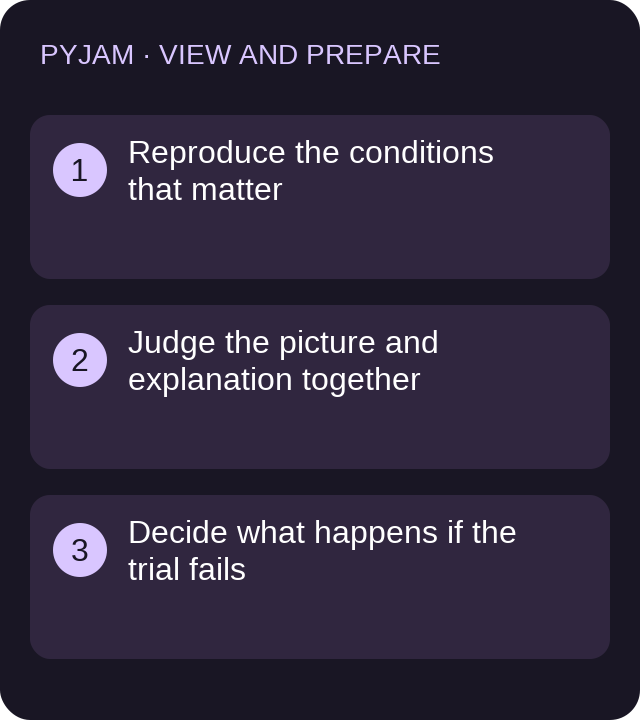
Reproduce the conditions that matter
Use the intended phone, camera position, microphone, and connection. If you plan to move, include the meaningful parts of that route in a suitable rehearsal. If you expect a fixed session, test from that fixed position rather than from a convenient room elsewhere. Note whether other activity will share the connection at the planned time. Keep the session simple enough to understand which condition you changed. A good result beside the network equipment does not establish that another position, device, or later period will behave the same way.
Judge the picture and explanation together
Follow the selected platform's current requirements for your production method. Do not choose a universal bitrate or promise a particular resolution from a network number alone. Where a supported trial is available, ask a viewer whether the picture, speech, and explanation remain usable together. Observe interruptions and recovery, not just the moment the video starts. YouTube's latency guidance describes how network changes can affect a live journey even when average throughput looks adequate; its particular controls should not be assumed to exist on other services. Keep your conclusions tied to the route you actually tested.
Decide what happens if the trial fails
Prepare a short explanation for a delayed start and choose a fallback you have already checked. That might mean a different tested position or a simpler planned session, not improvising an unfamiliar production chain while viewers wait. Before preparing a Pyjam broadcast, review the creator route and the account requirements shown there. A local rehearsal does not prove that a public broadcast has started, and opening the creator area does not start one. If the connection remains unreliable, postpone the promised live session rather than describing a replay as a current broadcast. Keep notes about the setup and conditions so a later test can be compared fairly.