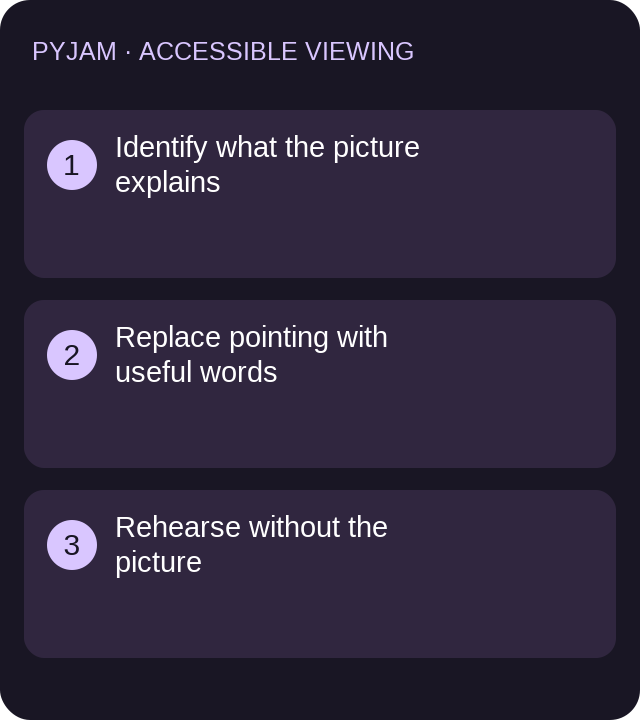
Identify what the picture explains
List changes carrying the lesson: a tool position, colour change or completed arrangement. Describe them as they occur. Do not narrate every decorative detail. Supply the information a listener needs while leaving room for the activity and other speech. Keep the description connected to the task instead of listing everything visible in the background without a clear purpose.
Replace pointing with useful words
Name an object and explain where you move it. For example, describe placing the larger piece left of the bowl rather than saying over here. Keep labels consistent throughout. Pause before the next instruction when the audience needs time to interpret the change. If two objects look similar, explain the meaningful difference before asking viewers to follow your movement.
Rehearse without the picture
Ask a helper to listen without watching, explain the sequence and identify a missing step. Use that confusion to improve the description. W3C supplies broader media accessibility guidance. This rehearsal is an editorial check, not certification that the stream or platform meets a standard. Keep descriptions short enough that you can deliver them naturally during the actual demonstration.
Try the check in Pyjam
Open Pyjam’s preparation route and inspect the available setup before choosing to broadcast. Use the rehearsal above to decide what to check; opening the app alone does not start or confirm a public session.
Prepare a Stream in Pyjam