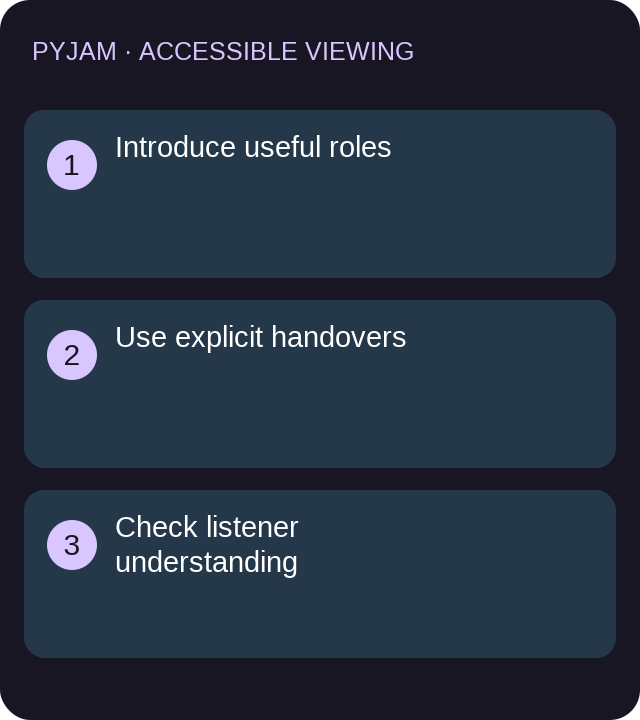
Introduce useful roles
Give each person's preferred public name and role relevant to the topic. Agree which personal details remain private. If voices are similar or participants share a microphone, repeat names at the start of contributions. Do not rely only on seating position. Introductions should help someone following the audio understand why each person is part of the conversation.
Use explicit handovers
Finish the thought, name the next speaker and leave space for a response. With connection delay, resist filling every silence. When voices overlap, pause and invite one person to repeat the useful part. Speaking louder rarely clarifies several simultaneous answers. Agree a simple order before discussion so a host can restore the sequence without making the exchange feel like an argument.
Check listener understanding
Ask someone to match ideas to speakers after a short exchange. Revise introductions if they cannot. If captions are available in the chosen workflow, inspect whether changes are understandable there too. Do not promise every service identifies voices automatically. Spoken cues remain useful across different interfaces and help late arrivals follow the discussion without needing the full opening introduction.
Try the check in Pyjam
Open Pyjam’s preparation route and inspect the available setup before choosing to broadcast. Use the rehearsal above to decide what to check; opening the app alone does not start or confirm a public session.
Prepare a Stream in Pyjam