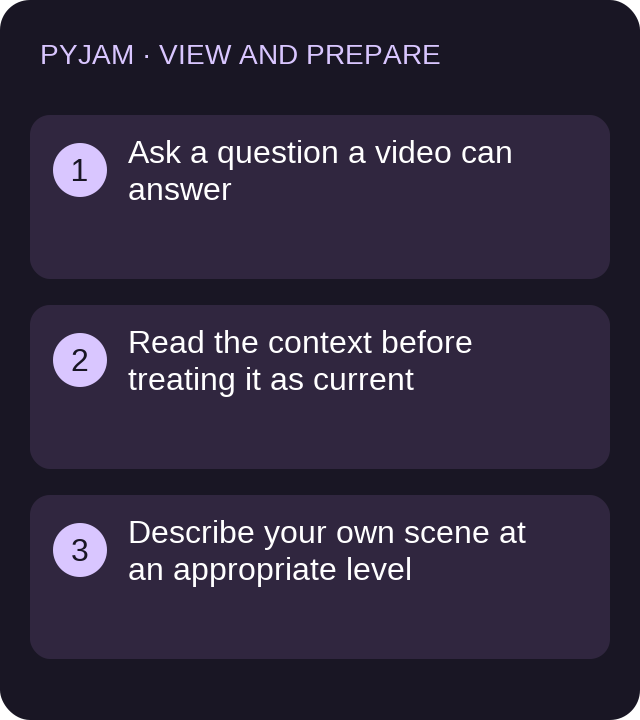
Ask a question a video can answer
A broad interest such as seeing an everyday street scene is different from needing to identify a particular building or person. Write down the useful observation you want: the kind of activity, the surrounding landscape, or an explanation of a place. Then choose a video whose description fits that purpose. A map marker is an entry point into available content, not proof that its camera covers every nearby street. If the video does not establish the detail you need, keep the uncertainty instead of trying to infer an exact private location from background clues.
Read the context before treating it as current
In Pyjam, inspect the available public item and distinguish a live broadcast from a replay. Read the details provided by the creator and listen for an explanation of the scene. An older recording can still show an activity usefully without describing what is happening there now. Avoid combining a place label, an old video, and an assumption about today's conditions into one confident statement. If no suitable item is available, broaden the area or return later. Do not ask a host to reveal a home address simply to make an exploratory visit more precise.
Describe your own scene at an appropriate level
If preparing a broadcast, decide which broad location information helps the audience understand the subject. A neighbourhood, landscape type, or public activity may provide enough context. Check the frame for accidental address details and unrelated people before going live. The creator area in Pyjam is a place to review preparation options and account requirements; opening it does not publish a camera feed. After a trial, evaluate whether viewers understood the scene with the description you chose. Improve the explanation or framing before adding more precise location information that was not necessary for the original viewing purpose.