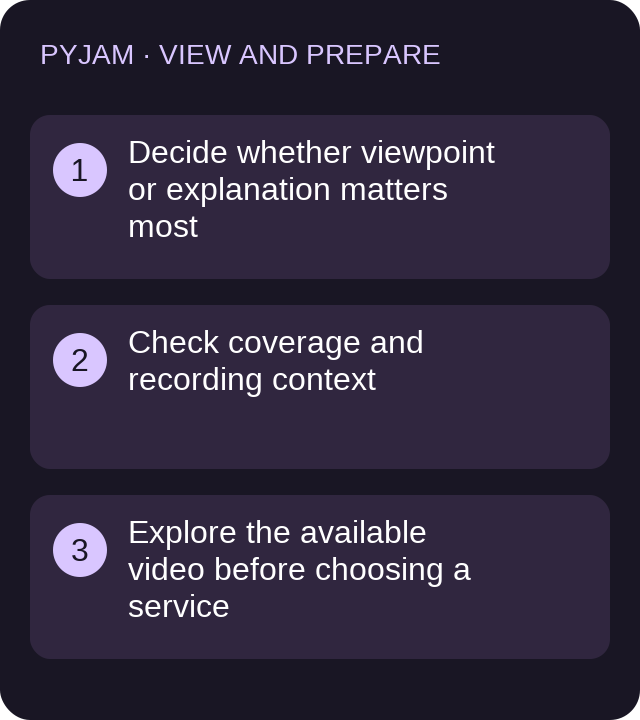
Decide whether viewpoint or explanation matters most
A fixed camera may offer a consistent viewpoint, while a mobile creator can change the frame and explain an activity. These are useful distinctions to look for, not promises about every service. If you want to understand a process, commentary and movement may matter more than a permanent view. If you want to compare one visible scene over time, a consistent viewpoint may be important. State the task before choosing a video. A moving camera that briefly passes a location cannot establish everything happening there outside that short view.
Check coverage and recording context
Look at the actual item to determine what it shows and whether it is live or recorded. Do not assume a camera is always running because a directory lists a place. A fixed frame can miss nearby activity, and a clear mobile replay can be mistaken for a current walk. Read the publisher's context and avoid drawing conclusions about details beyond the picture. If weather, traffic, or an event is your interest, consider whether the view and time information are sufficient for that particular question. When they are not, describe the limits instead of substituting a confident guess.
Explore the available video before choosing a service
On the Pyjam map, inspect a public video in the Content panel and decide whether its scene, explanation, and language suit your visit. A map-led route does not guarantee a fixed webcam at every location. It may help you find a creator's available stream or replay connected to a place. Compare one selected item with the alternative view you were considering and note what each helped you understand. If you later prepare your own mobile broadcast, plan the moments when movement adds context and the moments when holding a stable frame would help the viewer more.