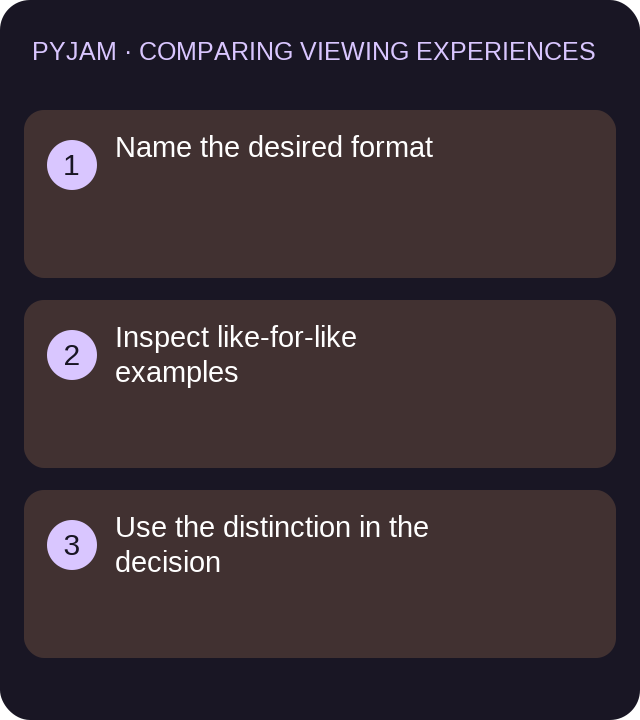
Name the desired format
Write whether you want a current conversation, a replay of an event or an edited explanation available at any time. A platform may offer several formats through different tabs or search results. Keep the ordinary uploaded-video catalogue separate from current live rooms. An abundant upload library does not establish that a suitable English live session is happening during your visit.
Inspect like-for-like examples
For each candidate service, identify the visible format label and inspect one permitted programme suited to the task. Note the creator and observed state. A live badge on a channel link may lead to a changing destination, while an individual recording address identifies a fixed item. Do not assume that a finished broadcast remains replayable or that a replay allows the same interaction as the original event. Check the current offered route rather than transferring another service's behaviour.
Use the distinction in the decision
Choose the format that suits your available time and need for interaction. A replay may be better for repeated practice, while a current session may offer timely discussion through an available supported route. Neither advantage establishes universal superiority. This comparison does not claim Pyjam mirrors another platform's library or supplies every archived programme. Evaluate the actual content and controls present in the current session, leaving untested retention and interaction behaviour unknown.
Format coverage worksheet
Use service, desired format, found item, observed state, replay route and interaction boundary. Example: a search returns many edited clips but no checked current lesson. Record strong uploaded coverage and unverified live coverage separately. Do not describe the number of visible clips as a count of simultaneously active broadcasts.
Try the check in Pyjam
Open Pyjam and choose an available public video. Apply the viewing check above to that item, keeping its live or recorded status in mind. Availability and controls should be checked in the current session.
Explore Live Streams in Pyjam