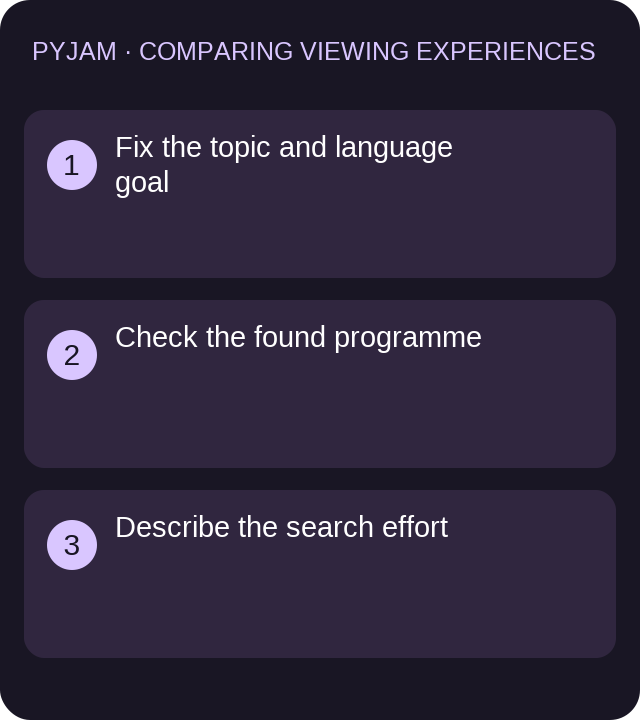
Fix the topic and language goal
Choose a specific subject and the kind of session you want. Keep the search phrase comparable across services while using their actual supported search controls. Note whether the platform exposes a language filter or only a translated interface. Do not infer that a category is English because its label has been translated, and do not classify a creator's speech from their location or profile name.
Check the found programme
Inspect the title and description, then listen to a permitted representative passage where available. Record the language actually heard, the usefulness of any caption route and the relevance to your topic. Separate an unavailable preview from an understandable viewing result. A web search can help locate a public page but is not the same as the platform's in-product discovery. Keep those routes labeled so another visitor can reproduce the relevant steps.
Describe the search effort
Record useful steps and the conditions that limited the trial, such as an empty category or an inaccessible item. Do not turn one visit into a claim about worldwide English coverage. If trying Pyjam, use the current catalogue and inspect the actual available item rather than promising a language-specific filter you have not verified. The practical comparison is how the observed route answered your topic and language goal, with unsuccessful or untested steps retained.
Language discovery table
Use topic, search route, interface language, found item, heard language, text aid and result. Example: a service shows English menus but the selected explanation is in another language with no useful checked text. Record that session outcome. It does not establish that every creator on the service uses the same language.
Try the check in Pyjam
Open Pyjam and choose an available public video. Apply the viewing check above to that item, keeping its live or recorded status in mind. Availability and controls should be checked in the current session.
Explore Live Streams in Pyjam