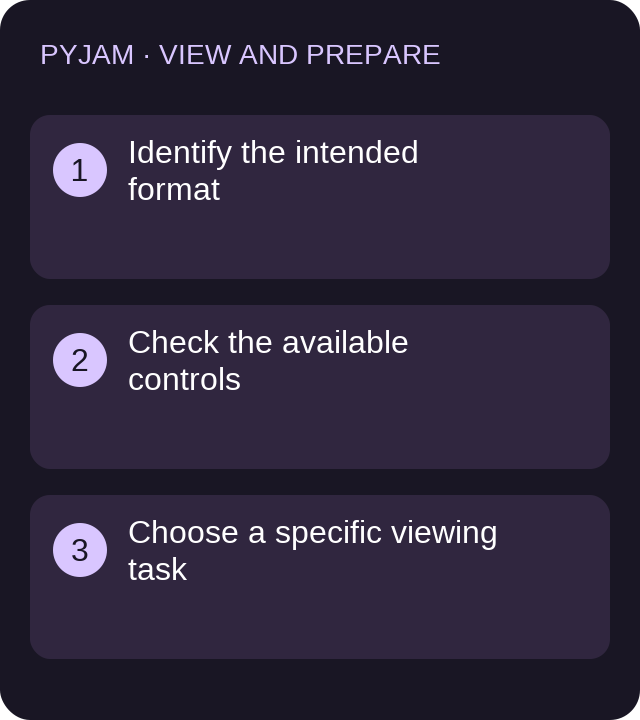
Identify the format behind the question
Likee’s homepage describes short-video creation and sharing. Separately, developer replies on its English App Store review page explain that short-video services are being suspended in phases in some regions while Likee LIVE will continue. Read those statements together. A problem finding a short-video publishing control is not, by itself, proof that live streaming has ended. Conversely, a statement about LIVE continuing does not establish that a particular person can broadcast from every country or device.
Check what your own account offers
Decide whether you want to upload a prepared clip, watch a live room, or host a live session. Then look for that particular route in the version you are using. If a feature is absent, read the current in-app explanation or use the official help and feedback route. Avoid guessing at an eligibility requirement from another person’s review. The developer’s reference to some regions does not identify a complete country list, so a storefront address alone cannot establish where the change applies.
Describe the problem precisely
When asking for help, name the format and describe the control or message you see. Include enough device and app context for the support team to understand the issue, without posting account credentials in public. A short-video upload problem and a live-viewing problem need different explanations. If you are arranging a viewing visit with a friend, check the actual room or video first and state whether you mean a live session or a recording. Do not promise recovery of older videos or availability of a feature that you have not checked.
Choose a destination for a specific task
If you want to follow a particular Likee creator, begin with that creator’s available route. If your question is about a place or a practical activity, open Pyjam and inspect the public videos offered through its map. Check the selected item’s description and live or replay context before drawing conclusions. Let the subject guide the next step: keep watching a useful video or prepare a focused stream of your own. Different service formats do not imply that accounts or saved videos transfer between platforms.