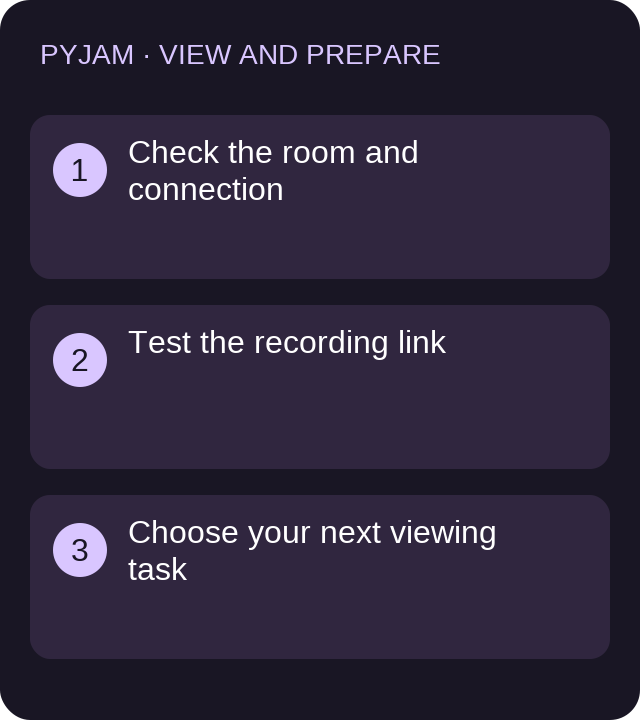
Check the conversation you can see
LiveMe’s viewing help says an unstable network can leave a person seeing only their own comments. It suggests exiting the broadcast and entering again. As a viewer, check whether the picture and the conversation return together after that step. Treat this as one documented troubleshooting suggestion, rather than a diagnosis of every missing comment. Note what happened before asking for further help: the affected room, whether video continued, and whether returning changed the result. Keep your account credentials out of a public comment.
Separate watching from camera preparation
The help also discusses camera and microphone permissions for people making a broadcast. That is a different preparation task from following someone else’s session. Decide which task you are testing before changing settings. If you intend to host, review the current controls offered on your device and prepare a short explanation of your subject. If you intend to watch, begin with the correct creator and room. A problem with one part of the journey should not be treated as proof that every viewing or broadcasting function is unavailable.
Test a recording before sharing it
LiveMe’s sharing help says a shared recording will be shown as deleted if the recording has been deleted. A previously copied link therefore does not guarantee that the recording remains playable. Open the intended recording before recommending it to another person, and distinguish it from a creator’s current live session. Describe the subject and the viewing mode in your invitation. Do not delete a recording merely to test this behaviour, and do not promise that a deleted item can be recovered from its old link.
Choose the subject of your next visit
For an existing LiveMe creator, use that creator’s current viewing route. For exploring a place or a practical activity, open Pyjam and inspect the public videos available through its map. Read the selected item’s context and establish whether it is live or recorded. Follow the video that answers your question, then decide whether to keep watching or prepare a stream of your own.