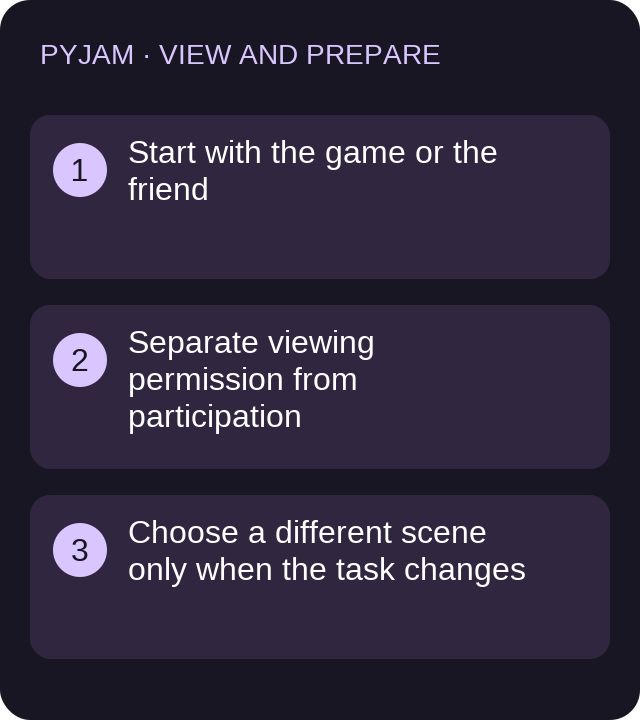
Start with the game or the friend
Steam's Broadcasting FAQ describes public broadcasts in the community and game hubs, as well as a Watch Game route from a friend's entry. Those starting points suit different questions. To see how a particular game looks in play, a relevant game hub may be useful. To follow a familiar player's decisions, the friend's broadcast is the more specific context. Note which task brought you there before comparing another streaming destination. A large selection of unrelated video does not necessarily help you evaluate the game or player you wanted.
Separate viewing permission from participation
The FAQ describes broadcast privacy choices, including access for friends and a public option. An invitation to watch should therefore be checked from the viewer's own account context. Do not treat a private or unavailable broadcast as a reason to broaden another person's privacy settings. Remote Play is a separate Steam feature with its own purpose; a control for watching gameplay does not promise that you can control the game. If you need to advise a friend while watching, agree how you will communicate and allow for delay between the player's action and your observation.
Choose a different scene only when the task changes
A game broadcast is not a substitute for a view of a walk, a city, or an everyday activity. For those subjects, explore the public videos currently available through Pyjam and inspect the specific item you choose. For creating your own content, first decide whether the subject is a game screen or a camera scene. That decision affects the complete preparation route, not just the website name. Keep game audio, spoken explanation, and any visible desktop material in mind during a rehearsal. End a trial by stating what you learned about the subject, rather than assuming that all products using the word streaming provide the same viewing, recording, or remote-control capabilities.