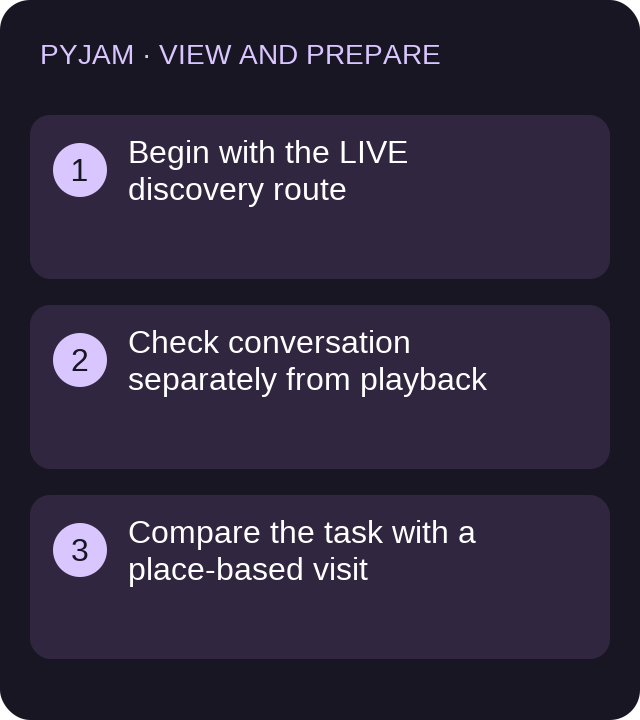
Begin with the LIVE discovery route
TikTok's official recommendations guide describes a LIVE feed and LIVE recommendations within For You. That gives you a starting point, but it does not guarantee that the next room will match your language or interests. Read the creator's name and room context, then listen briefly before deciding to stay. A busy screen can contain several competing prompts; concentrate on whether the broadcast itself answers the question that brought you there. If you already know the creator, use the route that creator publishes rather than expecting recommendations to find them immediately.
Check conversation separately from playback
A video can play while participation remains unavailable. TikTok's troubleshooting guidance explains that a creator or moderator can disable comments, apply filters, or restrict a viewer. Do not keep sending the same message when a room is not accepting it. First check whether a comment control is present and whether the interface explains a restriction. Keep account troubleshooting separate from judging the host's subject. An entertaining broadcast with closed comments can still be useful to watch; an interactive discussion requires a different fit.
Compare the task with a place-based visit
If your real question is about a neighbourhood, a walk, or a public activity, a creator recommendation feed may be only one possible starting point. In Pyjam, explore available public videos through the map and Content panel. Check whether the selected item is live or a replay and listen for a language you understand. Compare one actual viewing session on each service using the same question. Do not expect the same hosts, followers, comments, or recommendations to appear after changing apps. Keep the service that helps you complete that particular visit, rather than choosing from the number of features advertised.