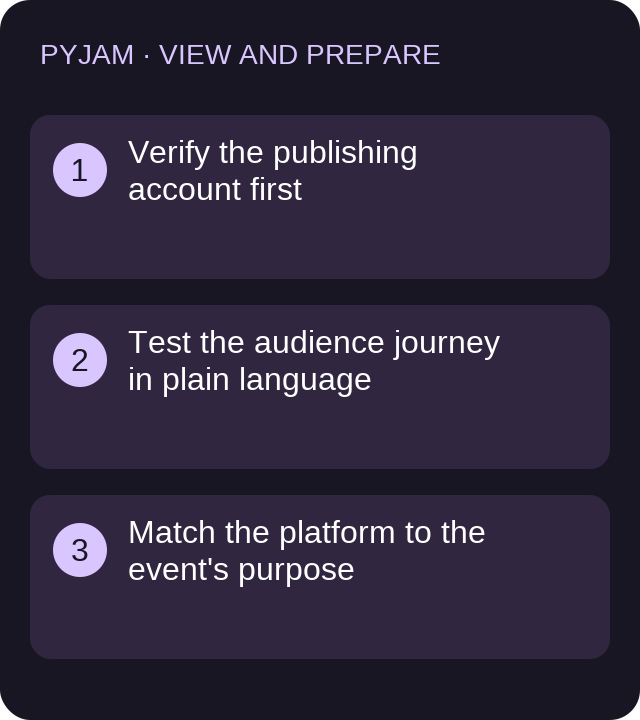
Verify the publishing account first
Meta's Page Live Videos reference lists account-age and follower conditions for Facebook live publishing. Read the current conditions for your exact account type rather than assuming that owning a Facebook login is sufficient. Check the options actually shown to the organiser before announcing a date. If another person manages a Page, agree who prepares the session and who operates the live controls. Avoid sharing passwords to solve an ownership problem. Permission to create an ordinary post should not be treated as proof that every live-production feature is available.
Test the audience journey in plain language
Write the invitation as if the recipient has never watched your event before. Include a date, an unambiguous time zone, the subject, and the precise place to open the broadcast. Test the link from the account state your audience will use. A link that works for the organiser may not show the same thing to somebody outside the intended audience. Ask what the viewer sees before the start, where they should return if interrupted, and whether participation has separate conditions. Do not promise a replay merely because another event on the platform had one.
Match the platform to the event's purpose
A session for an existing Facebook community may benefit from a familiar audience route. A person looking for public videos connected to a location may start elsewhere. In Pyjam, try discovering an available video by place before deciding whether that is the experience you want to offer. If you intend to broadcast, review the creator route and account requirements separately. Private guest lists, ticketing, several production feeds, and guaranteed recording access require explicit support from the chosen service. Keep a short fallback message ready for the invitation channel, so a delay can be explained without sending viewers to an unrelated stream or asking them to guess what happened.