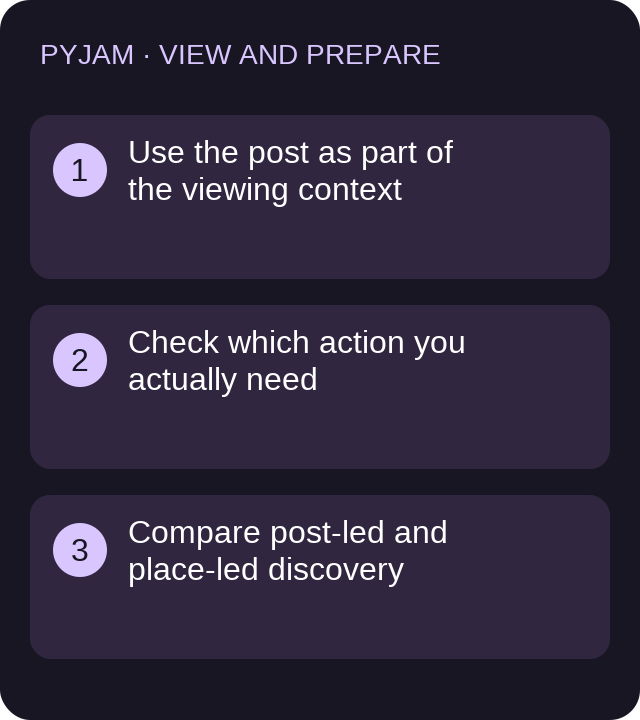
Use the post as part of the viewing context
X's live-video help describes discovery through timelines, notifications, search, and trends. It also describes watching replays from accounts whose posts are not protected. Read the account name and the post's description before drawing a conclusion from the picture alone. A familiar place can look current even when the video is a replay. Follow the original viewing route when possible rather than relying on a copied excerpt, especially if you need to understand what happened before or after the moment being shared.
Check which action you actually need
Watching a stream, sharing its link, and creating a broadcast are separate actions. Start with watching if your purpose is to understand the scene. If you want to participate, review the conversation controls and any account requirements shown in that session. If you want to create, use the current X instructions for the production method you intend to use. A mobile composer and a browser studio are not interchangeable tutorials. Keep descriptions accurate and avoid adding a precise location merely because a location field is available. A broad scene description may be enough to orient the audience.
Compare post-led and place-led discovery
A known X account is a sensible starting point when you already trust that creator's reporting or commentary. A map-led question starts differently: what public videos are available around a place or activity? Try the Pyjam map for that task and inspect a video's details before opening it. Assess language, live or replay status, and whether the scene answers your question. Neither service should be judged from a single thumbnail. Keep the original source context when describing what you watched, and do not assume that moving to another app transfers an account's followers or its surrounding discussion. The better route is the one that provides enough context for the decision you are trying to make.