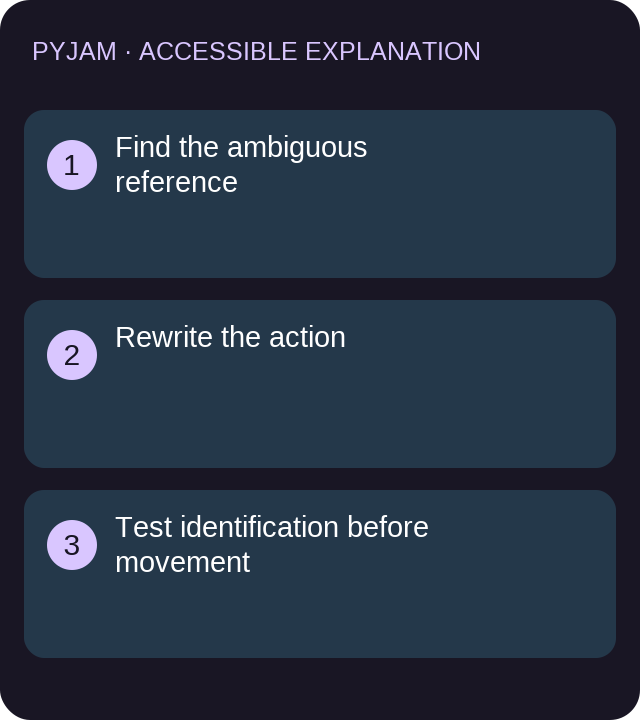
Find the ambiguous reference
Choose a moment where the script says the red one or the green button. Identify a second useful feature such as a printed label, shape or relative position. Check that it exists in the actual picture. A color may be helpful, but lighting, small viewing size and individual perception can make a color-only instruction harder to follow than the presenter expects.
Rewrite the action
Use a short concrete reference, such as the round piece labeled A. Keep it consistent through the sequence. Rehearse with the actual objects and framing. Avoid adding several competing descriptions in one sentence. W3C visual-description guidance supports conveying necessary visual information in words; here the useful information is the identity of the item and the action, not an exhaustive account of every visible shade.
Test identification before movement
Ask a helper which item you mean before performing the next action. If they hesitate, revise the reference or improve the visible label. Keep the action paused long enough to locate the object. Recheck after rearranging the table or changing a slide, because a position-based description can become wrong even when its wording sounded clear in an earlier rehearsal.
Reference replacement card
Write original phrase, visible identifying feature, revised phrase and helper result. Example: the blue tab becomes the tab marked Start at the left edge. Keep color as an optional extra cue when useful. Test the instruction on a view comparable to the audience picture, and preserve uncertainty if the required label remains too small to distinguish.
Try the check in Pyjam
Open Pyjam’s preparation route and inspect the available setup before choosing to broadcast. Use the rehearsal above to decide what to check; opening the app alone does not start or confirm a public session.
Prepare a Stream in Pyjam