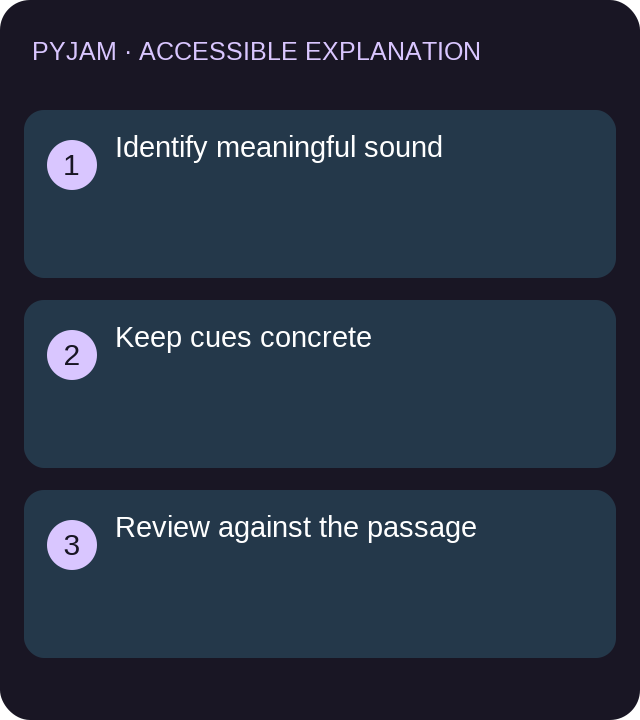
Identify meaningful sound
Choose your own short demonstration and note moments where audio carries information beyond words. A click may confirm that a part connected, while continuous room noise may contribute nothing to the task. W3C transcript guidance includes relevant non-speech audio. Use a description that explains the audible event without copying every incidental sound or treating an uncertain noise as a verified result.
Keep cues concrete
Place a short cue beside the relevant action. Distinguish an audible event from the presenter's interpretation of it. For example, a latch click and a successfully secured object are separate observations. Check that a reader can follow the sequence. Avoid dramatic language that changes the impression of an ordinary sound, and mark an unclear moment for review rather than filling it with unsupported detail.
Review against the passage
Read the transcript while replaying the relevant section. Verify who speaks before and after the cue, and whether an edited version moved the event. Keep cue style consistent. Do not imply that adding text creates a sound or caption feature in a streaming platform. Publish through an appropriate available route and inspect the actual audience link when the text is meant to accompany a recording.
Sound cue worksheet
Write timestamp, audible event, relevance, proposed wording and verified status. Example: a brief timer sound signals the end of the wait; keep that cue near the instruction it changes. Exclude unrelated background chatter and unnecessary personal information. Ask a reader what action follows the cue, then revise if the wording leaves the important relationship unclear.
Try the check in Pyjam
Open Pyjam’s preparation route and inspect the available setup before choosing to broadcast. Use the rehearsal above to decide what to check; opening the app alone does not start or confirm a public session.
Prepare a Stream in Pyjam