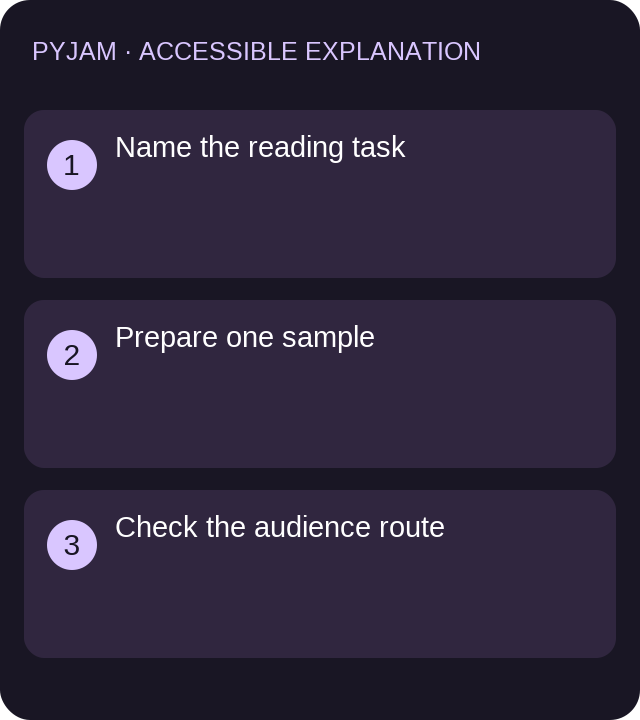
Name the reading task
Ask whether someone needs synchronized text during playback, a separate readable account afterwards or important visual context expressed in words. W3C distinguishes transcripts from captions and describes additional visual information in a descriptive transcript. Use that distinction to plan the work. A short session summary can help readers, but it is not automatically a transcript of everything necessary to understand the media.
Prepare one sample
Take a short section of your own material. Draft the spoken words, relevant sounds and necessary visual context. Compare that with synchronized text where your chosen workflow supports it. Check names and specialist terms. Keep unclear words marked for review rather than filling gaps with a confident guess. Inspect the text alongside the actual passage so a polished document does not silently change the speaker's meaning.
Check the audience route
Put the approved text where the intended viewer can actually find it. Verify the link or available control on the device used for the check. Do not promise automatic captions or transcript export in Pyjam; use the controls and publication methods that are currently available to you. Recheck the text after edits to the media so its sequence and references still correspond to what viewers encounter.
Text planning sheet
Use session segment, reading need, caption route, transcript location, visual context and review status. Example: spoken instruction transcribed, silent result still unexplained; add a description. Keep timing work and prose review separate. Ask a reader to locate one fact using the text alone, then compare it with the video to see whether the important relationship survived.
Try the check in Pyjam
Open Pyjam’s preparation route and inspect the available setup before choosing to broadcast. Use the rehearsal above to decide what to check; opening the app alone does not start or confirm a public session.
Prepare a Stream in Pyjam