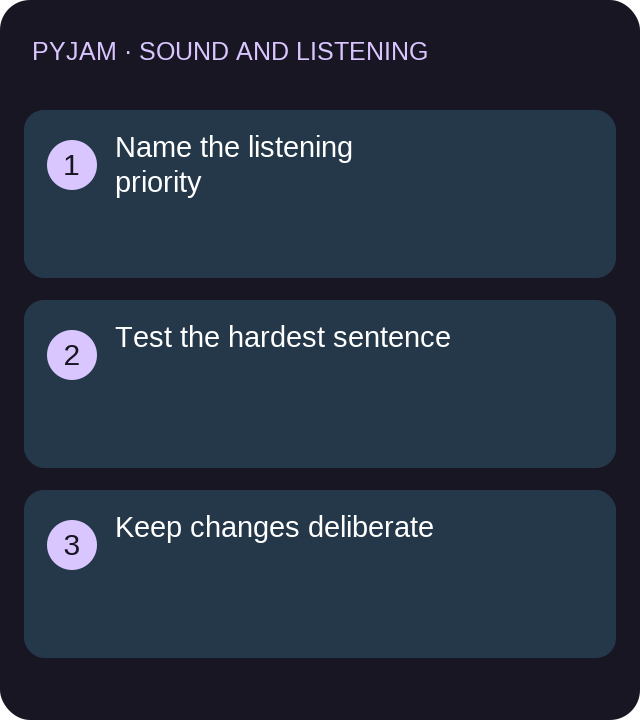
Name the listening priority
For a tutorial, instructions must remain understandable during the loudest expected activity. For an atmosphere-focused scene, occasional explanation may suffice. Test those moments separately. Move away from unnecessary noise when possible. Do not add music by habit when the subject already produces useful sound. Choose the listening priority before adjusting several sources without a clear goal.
Test the hardest sentence
Speak an instruction while the activity happens and ask a listener to repeat its action. If they cannot, bring the voice closer or create a quiet speaking interval. Avoid judging a silent rehearsal that omits the competing sound. Check the viewer result, not only what you hear beside the phone. Repeat with the normal pace of the demonstration.
Keep changes deliberate
If you use audio controls, adjust one source at a time and check playback again. A player's volume slider does not necessarily change the transmitted mix. Use sound sources you are entitled to include and can control. A simple voice-led explanation is preferable to an elaborate mix whose instructions the audience cannot follow. Preserve the successful settings for the session.
Try the check in Pyjam
Open Pyjam’s preparation route and inspect the available setup before choosing to broadcast. Use the rehearsal above to decide what to check; opening the app alone does not start or confirm a public session.
Prepare a Stream in Pyjam