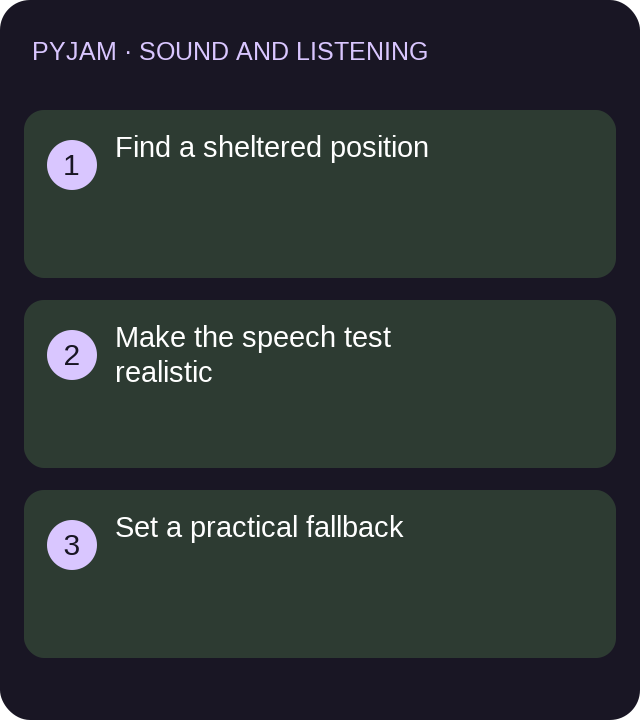
Find a sheltered position
Choose somewhere you can stand safely and explain the scene without losing awareness of your surroundings. Compare an exposed position with a sheltered one. Keep your hand clear of the microphone and avoid rubbing the case. If you already use a wind cover, verify the result instead of assuming it solves every condition. Make this comparison while stationary.
Make the speech test realistic
Read a sentence, pause, then describe the scene as you would during the broadcast. Listen for bursts that obscure words. Turn slightly and repeat without changing several settings together. Speaking louder can help audibility but does not remove wind reaching the microphone. Ask a listener which words they actually understood, rather than whether the sound seemed acceptable.
Set a practical fallback
If words remain unclear, move somewhere quieter or shorten the outdoor section. Explain the scene from a stable place rather than continuing a noisy walk. Decide in advance when conditions will make you stop or relocate. Do not promise clear sound in all weather. A shorter understandable explanation is more useful than a long session whose speech is obscured.
Try the check in Pyjam
Open Pyjam’s preparation route and inspect the available setup before choosing to broadcast. Use the rehearsal above to decide what to check; opening the app alone does not start or confirm a public session.
Prepare a Stream in Pyjam