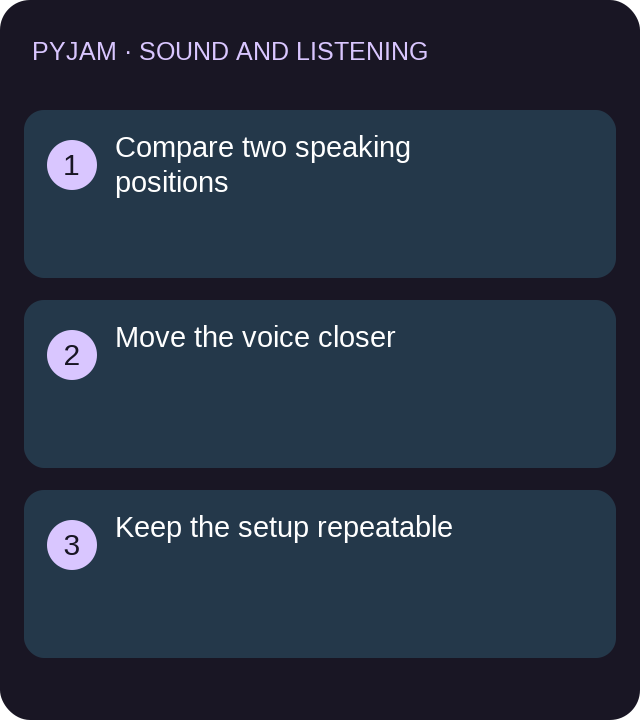
Compare two speaking positions
Read the same sentence at normal volume from the planned position and a softer, quieter part of the room. Keep phone and voice distance similar. Listen for word endings, not loudness alone. Curtains, furniture and a different angle may change the result without new equipment. Use a sentence containing an actual instruction from your planned presentation.
Move the voice closer
Bring the microphone closer if you can without blocking the picture or creating handling noise. Do not lean in for the test and step away for the presentation. With a separate microphone, confirm that the broadcasting tool receives it. A connected accessory is not proof it is the active input. Repeat the test while handling your materials.
Keep the setup repeatable
Ask a listener to repeat an instruction containing several distinct words. If they miss the same part, change position and repeat. Note the microphone placement and speaking position that worked. Avoid background music intended to conceal echo; combined sound can make speech less understandable. Keep the simplest arrangement that remains clear throughout the demonstrated movement.
Try the check in Pyjam
Open Pyjam’s preparation route and inspect the available setup before choosing to broadcast. Use the rehearsal above to decide what to check; opening the app alone does not start or confirm a public session.
Prepare a Stream in Pyjam