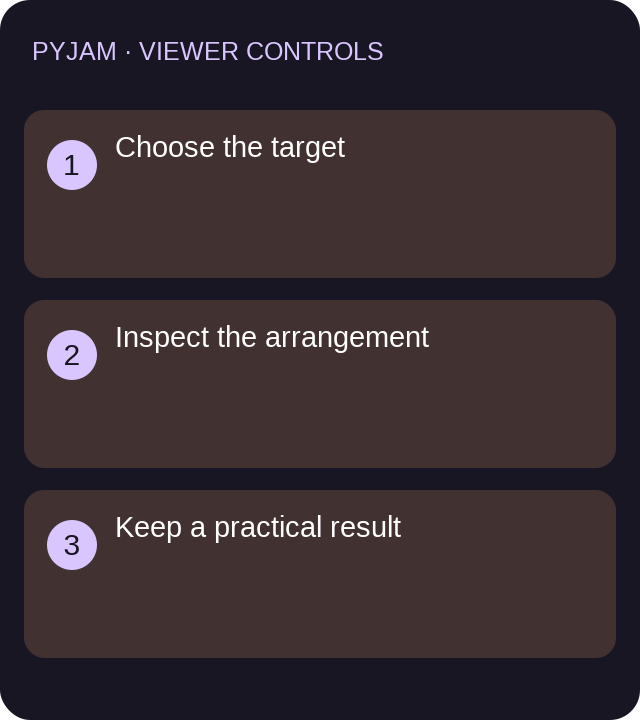
Choose the target
Identify a page label, caption or picture detail. They may require different controls. Use the browser's documented zoom and preserve a return route. Do not install unfamiliar extensions for ordinary playback. Note the starting mode before combining changes, because a browser adjustment and a player's full-screen mode can produce different effects and need different exit actions.
Inspect the arrangement
Find title, status and controls again. Scroll for nearby context instead of declaring hidden controls missing. Compare offered full screen deliberately and learn its exit. An enlarged picture is useful only if you can operate it. Check whether essential labels or buttons now extend beyond the visible area before choosing the layout for a long viewing session.
Keep a practical result
Choose comprehension and control together. Return to the starting setting if harder to use. Report the specific control, browser and approximate zoom. Do not reset unrelated device or security settings. Repeat an ordinary task after changing display choices, so your decision reflects actual use rather than just a larger-looking page whose navigation has not been checked.
Zoom card
Write information too small, original mode, changed mode, reachable controls, visible title and preference. Try pause and resume. Keep mixed results visible, such as clearer text but a difficult exit. The preferred arrangement should help viewing without leaving you unsure how to leave the mode.
Try the check in Pyjam
Open Pyjam and choose an available public video. Apply the viewing check above to that item, keeping its live or recorded status in mind. Availability and controls should be checked in the current session.
Explore Live Streams in Pyjam