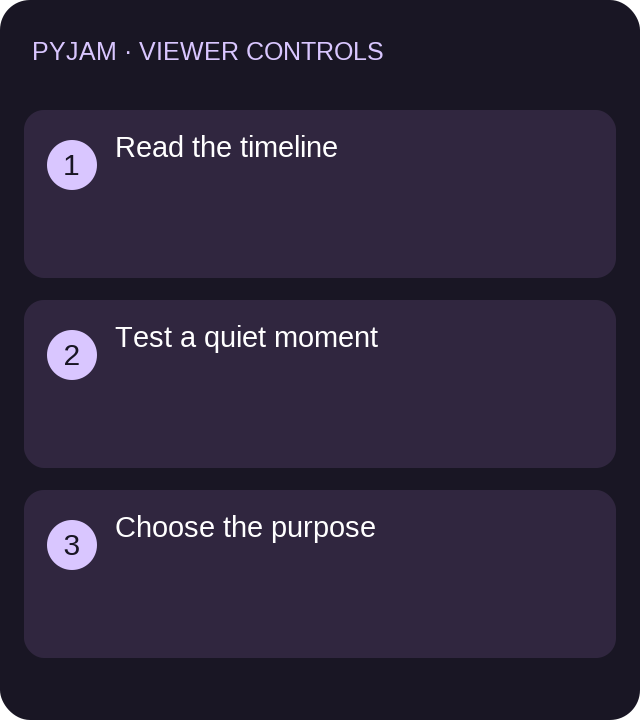
Read the timeline
Look for a live indication, progress bar or return control. Rewind is not universal. YouTube's documented DVR is one platform-specific example, not a Pyjam promise. Inspect the actual player instead of assuming familiar controls behave identically. Keep the item's live or recorded status clear and distinguish a visible option from an action whose result you have already checked.
Test a quiet moment
If offered, pause briefly and inspect the resume position. Use a labelled return-to-live control where available. Comments may refer to a later picture. Repeated seeking changes your own position, so avoid it while judging delay. Do not assume all viewers share your playback state. Note what you pressed before describing an unexpected result or asking someone to reproduce it.
Choose the purpose
An earlier point helps study a demonstration. For current conversation, return to the available live position and allow for delivery delay. If rewind is absent, ask about a replay instead of promising one. Report the session, device and actual controls when needed. One successful pause does not establish a platform-wide rewind or retention policy for every item and account.
Playback card
Write status, pause offered, resume position, return control and question timing. Example: my picture trails chat after pausing. Keep the approximate moment and action. This separates your viewing position from the broadcaster's state and helps another person reproduce the relevant sequence without guessing.
Try the check in Pyjam
Open Pyjam and choose an available public video. Apply the viewing check above to that item, keeping its live or recorded status in mind. Availability and controls should be checked in the current session.
Explore Live Streams in Pyjam