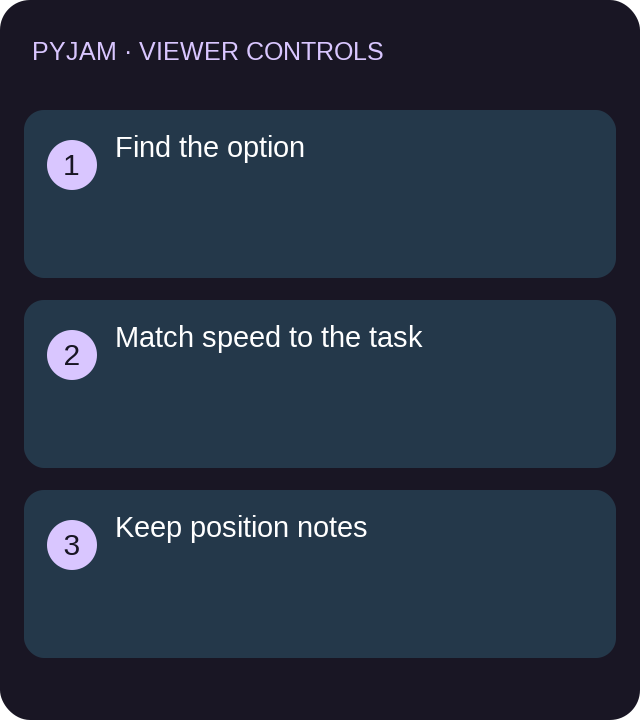
Find the option
Inspect the chosen recording. Live items and devices can offer different controls. Start at normal speed and hear an explanation before adjusting. Preserve the link. A speed option elsewhere does not prove availability here. Keep the comparison on one segment rather than switching to another lesson whose different content could explain why it feels easier or harder.
Match speed to the task
An overview may work at another pace while hand movement needs normal or slower viewing. Repeat the instruction in your own words or identify action order. If a step is missed, return to normal. Faster completion is not proof of learning. Compare an actual task outcome instead of relying entirely on an impression that the narration sounds comfortably quick.
Keep position notes
Record timestamp and topic, recognising version differences. Pause when practising away from the screen, then compare. A local speed change does not rewrite the original or control other viewers. Keep normal-speed checks where timing matters. If essential explanation remains missing, choose another available resource rather than treating a playback setting as a cure for unclear teaching.
Learning card
Write segment, speed, instruction understood, action order and revisit point. Success means explaining or performing the step. Note what became clearer and what became harder. Use the result to choose pace by task during the next visit, not as a universal setting for every recording.
Try the check in Pyjam
Open Pyjam and choose an available public video. Apply the viewing check above to that item, keeping its live or recorded status in mind. Availability and controls should be checked in the current session.
Explore Live Streams in Pyjam