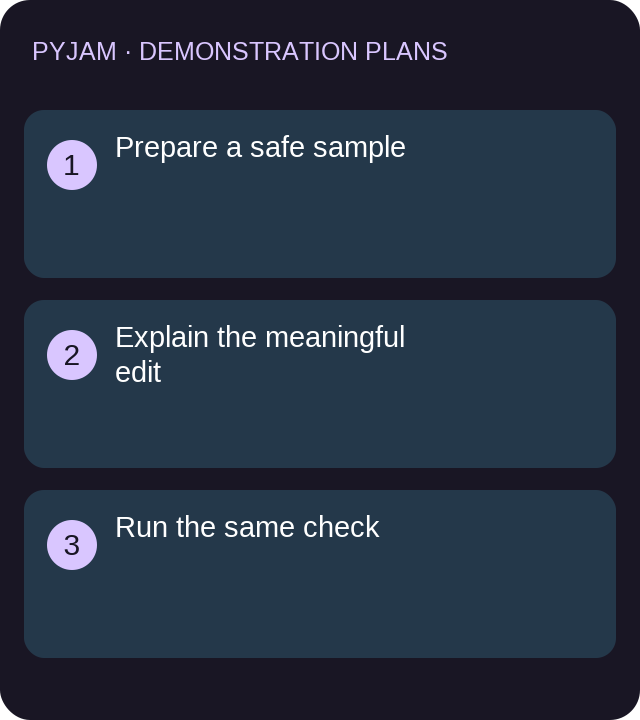
Prepare a safe sample
Use code and data you can show. Remove credentials, private messages and unrelated windows from the demonstration environment. Choose a small example with a clear expected result. Verify it before rehearsing the presentation. A prepared working sample helps separate a teaching problem from an environment problem, while an untouched starting version gives you a way to repeat the explanation after a mistake.
Explain the meaningful edit
Increase the relevant text to a readable size and name the file or function you are discussing. Describe the important relationship aloud instead of narrating every keystroke. Keep the change small enough that viewers can connect it to the result. Avoid switching rapidly through unrelated files. Necessary visual information should be expressed clearly in words, but the factual correctness of the code still needs its own verification.
Run the same check
Show the command or action used to verify the change, then explain its actual output. Keep a failure visible as a result to diagnose rather than claiming success because the editor looks tidy. Have the starting example and a known demonstration fallback ready. A local passing check supports the sample under the tested conditions; it does not establish production readiness or universal compatibility.
Walkthrough card
Use starting behavior, relevant file, intended edit, verification action, expected result and observed result. Example: one input now produces the intended formatted line; other behavior remains untested. Keep the command free of secrets and choose a harmless sample. Ask a helper to state why the edit affected the result, then revise the explanation if that connection was lost.
Try the check in Pyjam
Open Pyjam’s preparation route and inspect the available setup before choosing to broadcast. Use the rehearsal above to decide what to check; opening the app alone does not start or confirm a public session.
Prepare a Stream in Pyjam