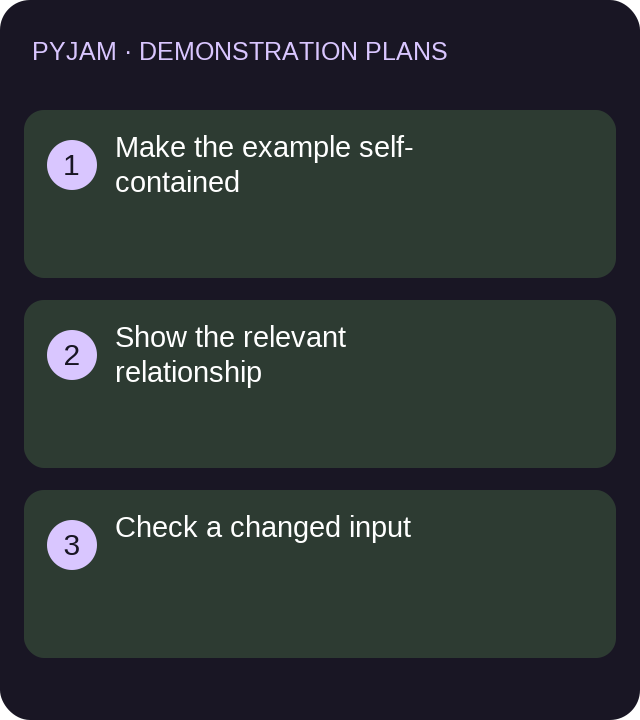
Make the example self-contained
Use invented non-sensitive data and label the columns with their units. Choose a formula or operation you have independently verified. Keep the expected answer beside the rehearsal notes. A familiar spreadsheet layout can conceal a wrong range or hidden assumption. Do not bring a private business workbook into the demonstration just because its visible sheet appears to contain only harmless rows.
Show the relevant relationship
Keep the formula and the necessary input cells readable in the actual scene. Explain which values are included and why. Name the range or labels rather than relying only on a moving highlight. Describe the information needed to follow the result in words. Avoid zooming so far into one cell that the audience loses the relationship between the input, operation and outcome.
Check a changed input
Use a second simple case with an independently known result. Show how the sheet responds and mention what remains outside the example. A successful formula display is not the same as a checked calculation. Keep a starting copy for recovery and prepare a short text description where useful. If the example fails, state the discrepancy and return to the known sample rather than improvising a claim about an unverified result.
Spreadsheet lesson sheet
Record column meaning, units, input case, formula purpose, expected answer, observed answer and second case. Example acceptance: a viewer identifies the included rows and explains the changed total. Keep factual calculation checking separate from screen readability. Rehearse with the actual sample and final scene size so a clear editor view does not stand in for the audience picture.
Try the check in Pyjam
Open Pyjam’s preparation route and inspect the available setup before choosing to broadcast. Use the rehearsal above to decide what to check; opening the app alone does not start or confirm a public session.
Prepare a Stream in Pyjam