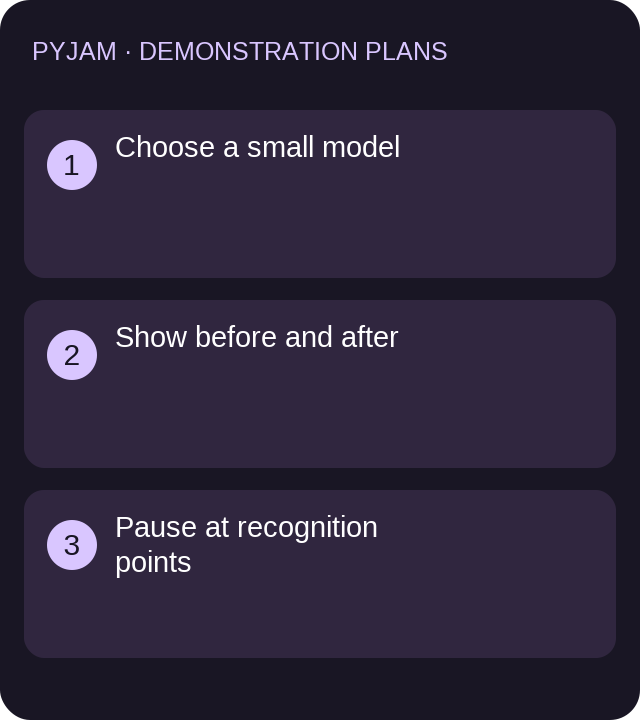
Choose a small model
Use a design you can demonstrate and share appropriately. Prepare a starting sheet and examples of the intermediate stages. Identify a corner or edge with a clear orientation cue. Do not depend only on the audience mirroring your hands. Test the actual camera view, since rotating the sheet can make a correct spoken left-or-right instruction ambiguous to someone looking from the opposite direction.
Show before and after
Hold the sheet still, name the starting edge and perform one fold slowly enough to observe. Return the result to a stable position before continuing. Explain the resulting relationship in words, consistent with the principle of describing necessary visual information. Keep an unfolded spare available so a missed movement can be repeated without dismantling the entire model or rushing the audience through several steps at once.
Pause at recognition points
Ask whether viewers can identify the crease or corner that the next step uses. Keep a completed sample for context, but return to the current stage clearly. A useful rehearsal checks hands, paper boundaries and spoken orientation together. Prepare a text or still-image reference where appropriate, and distinguish a demonstration plan from proof that every viewer can reproduce a complex model at the same pace.
Folding run sheet
Write starting orientation, named edge, action, resulting crease, checkpoint and spare-sheet location. Example acceptance: a helper identifies the next corner before you touch it. Mark any turn of the paper explicitly. Rehearse with the final sheet color, size and lighting so a successful test with a larger contrasting sample does not hide a difficult audience view.
Try the check in Pyjam
Open Pyjam’s preparation route and inspect the available setup before choosing to broadcast. Use the rehearsal above to decide what to check; opening the app alone does not start or confirm a public session.
Prepare a Stream in Pyjam