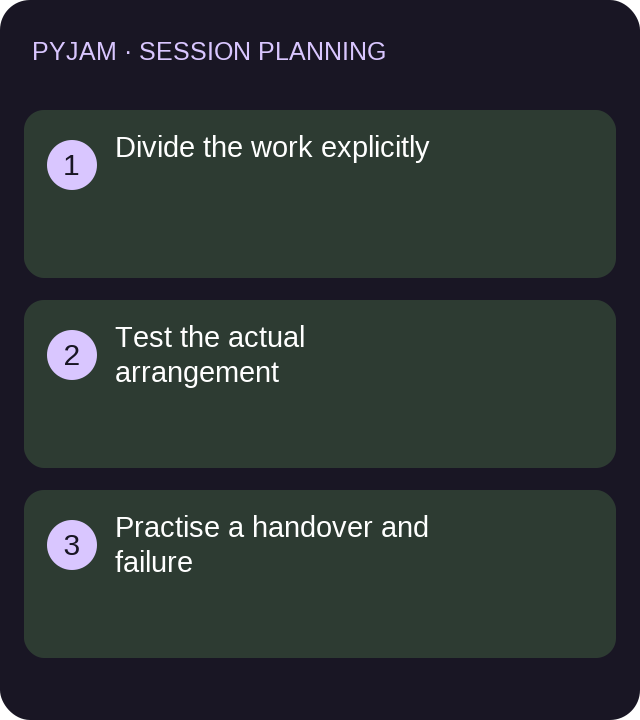
Divide the work explicitly
Choose who presents, checks viewing, collects questions and gives time cues. One person can hold several roles, but each should know when attention is needed elsewhere. Agree public names and private details. Keep the division practical: if both people present simultaneously, somebody still needs to know what to do when the viewer reports a problem or an important transition approaches.
Test the actual arrangement
For a guest feature, follow current official instructions and verify access. With one shared camera, rehearse positions and microphone distance. This planning guide does not establish that Pyjam or another platform supports a specific remote-guest workflow. Check the chosen tools instead. Use a short exchange that resembles the real subject so a technically working connection also carries an understandable conversation.
Practise a handover and failure
Rehearse what happens if one person cannot continue. Decide who explains the pause and whether the remaining host can finish. Use a simple agreed cue rather than sharing credentials. Begin publicly only when roles and setup are checked. Keep a brief solo closing ready so a co-host's interruption does not leave viewers watching an unexplained empty scene.
Try the check in Pyjam
Open Pyjam’s preparation route and inspect the available setup before choosing to broadcast. Use the rehearsal above to decide what to check; opening the app alone does not start or confirm a public session.
Prepare a Stream in Pyjam