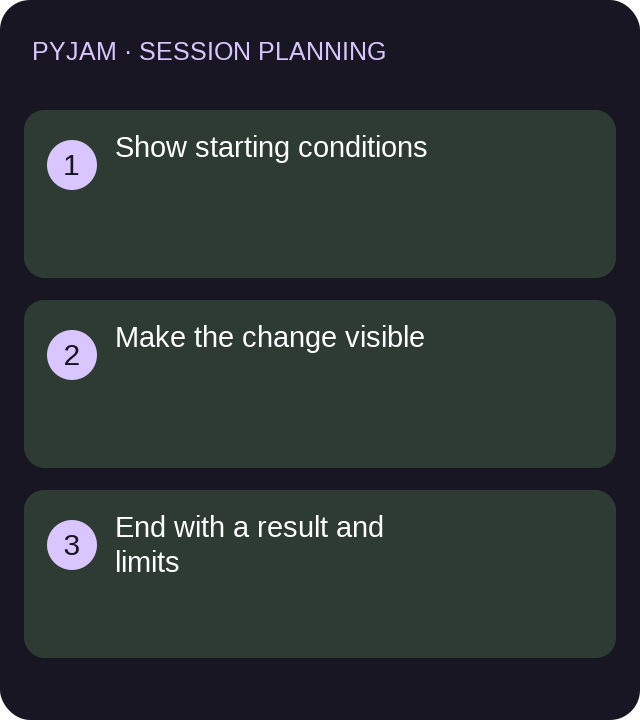
Show starting conditions
Prepare materials in view and state what is already complete. Explain earlier preparation that took time rather than presenting a finished example as an instant result. Keep a second example only if it clarifies a meaningful difference. If viewers cannot reproduce a step from the materials shown, identify the missing preparation before moving on to the main action.
Make the change visible
Arrange the view around the action producing the result. Pause before and after, naming what changed. If hands block it, repeat from a better position in rehearsal. Do not replace a difficult-to-show step with a vague instruction. Show the actual movement slowly enough to distinguish the starting state, the important action and its consequence in the viewer's picture.
End with a result and limits
Show the completed example and explain what the demonstration established. Name conditions you did not test instead of making a universal claim. Ask a helper to explain the process back. If they cannot identify the key change, simplify before trying a Pyjam live session. A clear small result is more useful than several unfinished examples rushed through without explanation.
Try the check in Pyjam
Open Pyjam’s preparation route and inspect the available setup before choosing to broadcast. Use the rehearsal above to decide what to check; opening the app alone does not start or confirm a public session.
Prepare a Stream in Pyjam