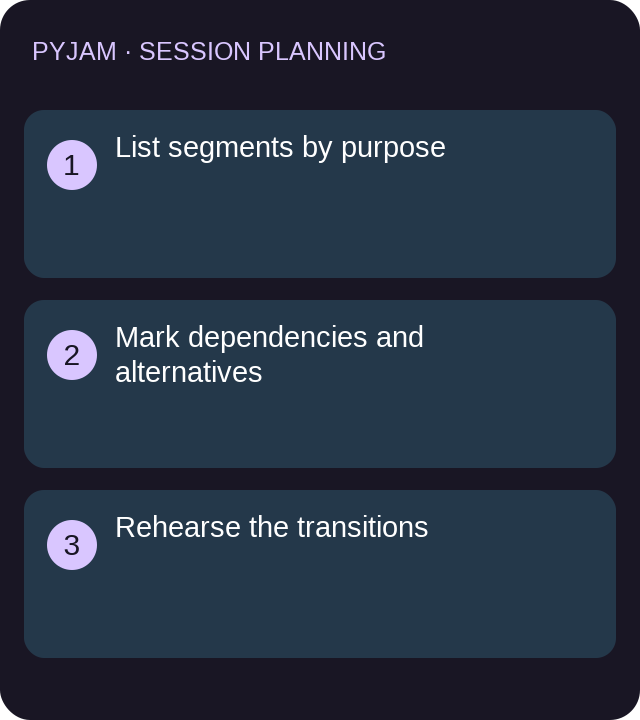
List segments by purpose
Write an opening, main demonstration, question pause and closing. Give each a result, such as showing the completed assembly. Note the materials beside the segment needing them. Avoid a word-for-word script that forces continuous reading. The sheet should explain the next useful action at a glance, even when your attention has briefly moved to the camera or audience.
Mark dependencies and alternatives
Identify what cannot proceed until a tool, guest or connection is ready. Put a simple fallback beside it. If one action runs long, decide which optional example can be omitted. Separate essential explanation from nice additions. Do not remove a prerequisite merely to keep to an optimistic schedule; simplify the demonstration while preserving the logic viewers need.
Rehearse the transitions
Run the sequence with the actual camera and notes. Check whether you find the next cue without searching. Revise transitions requiring too much handling. The finished sheet should help you continue calmly rather than force an unsuitable plan when circumstances change. Keep a short closing available so even a reduced session reaches a clear and honest conclusion.
Try the check in Pyjam
Open Pyjam’s preparation route and inspect the available setup before choosing to broadcast. Use the rehearsal above to decide what to check; opening the app alone does not start or confirm a public session.
Prepare a Stream in Pyjam