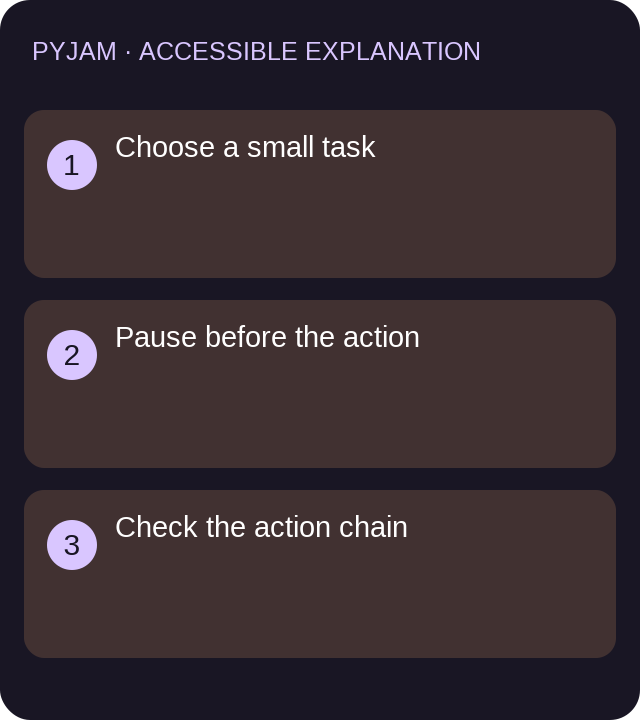
Choose a small task
Use a harmless sample with no private account information. Identify the control's visible name and the result you expect. Plan a short spoken instruction that includes both. W3C visual-description guidance supports explaining information needed to understand a video; apply that principle to the controls that matter. Do not narrate every pointer movement if it adds noise without helping someone follow the task.
Pause before the action
Say the control name, allow a moment to locate it and then select it. Describe the visible result. Keep the pointer away from small text while explaining it. If a menu opens, name the next item rather than sweeping across options without context. Rehearse at the actual viewing size, since a movement obvious on the production monitor may be hard to follow on a smaller screen.
Check the action chain
Ask a helper to repeat the task using the explanation and the displayed sample. Note the first unclear step. Replace phrases such as over here with a useful label or relationship. Provide an appropriate text sequence when the task needs precise repetition. Recheck the instructions if the application layout changes; a saved recording may remain understandable while a location-based instruction becomes outdated.
Pointer script
Use starting state, named control, pause, action, expected result and observed result. Example: choose the Layout tab, then the two-column option; the sample changes to two columns. Keep labels exactly as verified in the demonstrated interface. Mark a version-dependent location rather than presenting it as permanent for every device and account.
Try the check in Pyjam
Open Pyjam’s preparation route and inspect the available setup before choosing to broadcast. Use the rehearsal above to decide what to check; opening the app alone does not start or confirm a public session.
Prepare a Stream in Pyjam