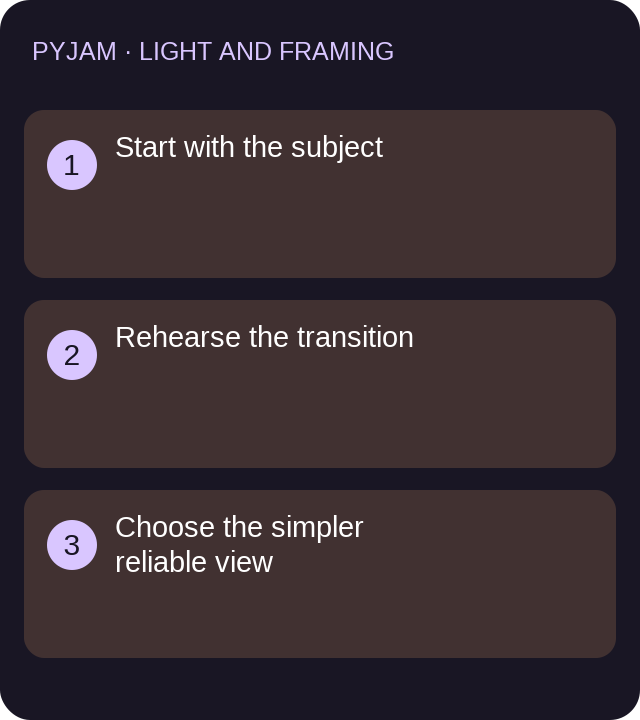
Start with the subject
For a face-to-camera explanation, test whether you can look towards the lens while staying comfortably in frame. For an outward scene, check how to support the phone without blocking the view. Use the controls shown by your broadcasting tool. Do not assume every app supports switching cameras during a session or presents the same choices.
Rehearse the transition
If the plan includes your face and the scene, practise the change beforehand. Check orientation, framing and sound after moving the phone. Announce the transition so viewers understand the temporary movement. If switching is unreliable in your setup, use one camera for the segment and describe what is outside the picture. Keep an easy fallback shot ready.
Choose the simpler reliable view
Ask a helper which version makes the explanation easier to follow. Select for readability and ease of operation, not a general claim that one camera is always better. Avoid trying an unfamiliar control during an important moment. Repeat the chosen view with the actual materials present, since an empty-room camera test may miss an obstruction.
Try the check in Pyjam
Open Pyjam’s preparation route and inspect the available setup before choosing to broadcast. Use the rehearsal above to decide what to check; opening the app alone does not start or confirm a public session.
Prepare a Stream in Pyjam