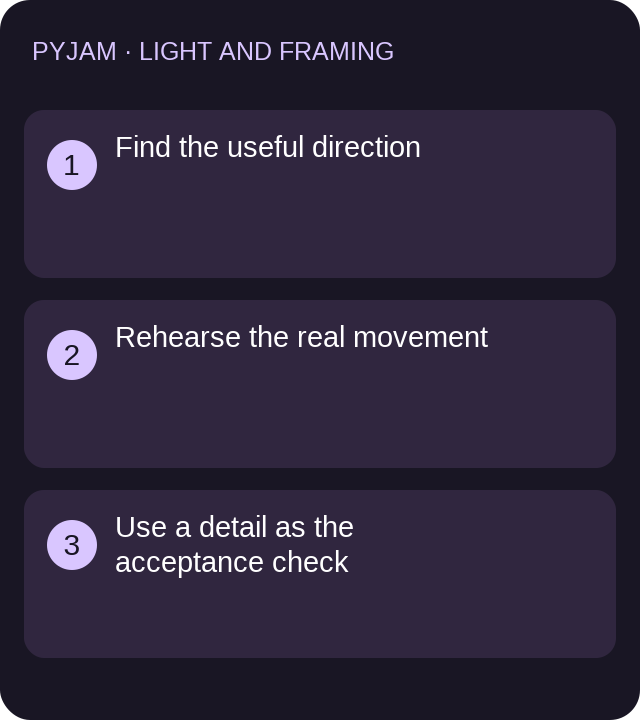
Find the useful direction
Start with the subject facing a window or a soft household light. If the window is behind the subject, change the camera position before adding equipment. Look for readable eyes, hands and labels. A white wall can reflect useful light, but a shiny surface may produce glare. Test the actual view instead of assuming the brightest arrangement is best.
Rehearse the real movement
Lean forward, turn towards your materials and lift the object you will demonstrate. Watch whether the important detail becomes dark or disappears in a reflection. Mark where the subject should remain. If daylight changes during the session, choose a position you can maintain without repeatedly moving the camera. Do not rehearse only a stationary pose when the task involves movement.
Use a detail as the acceptance check
Ask a helper to identify one feature from the viewer's picture, such as a tool edge or a written label. If they cannot, adjust the angle and repeat that same task. A flattering preview is not enough when the purpose is to explain a process. Keep the simplest arrangement that makes the intended detail understandable.
Try the check in Pyjam
Open Pyjam’s preparation route and inspect the available setup before choosing to broadcast. Use the rehearsal above to decide what to check; opening the app alone does not start or confirm a public session.
Prepare a Stream in Pyjam