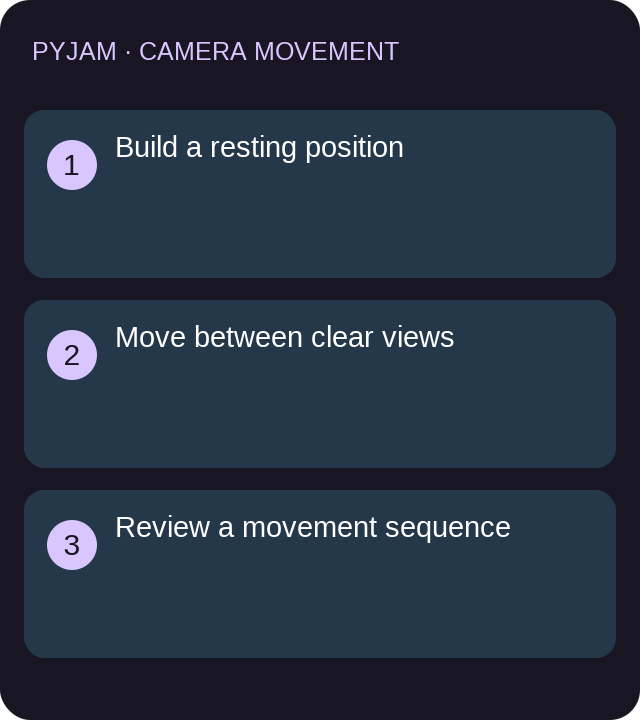
Build a resting position
Hold the phone comfortably with both hands when possible and keep elbows close to your body. Check that your fingers do not cover the lens or microphone. Avoid extending your arms simply to obtain a wider view. A stable position you can sustain is more useful than a dramatic angle that becomes uncomfortable.
Move between clear views
Show one subject long enough to explain it, then announce the next view before turning. Stop walking when showing a small detail. Do not read comments while crossing roads or navigating obstacles; pause somewhere suitable first. If your attention is divided, simplify the session to a stationary view and explain what is outside it.
Review a movement sequence
Rehearse an establishing view, one deliberate turn and a closer look. Ask a viewer to describe the sequence in order. If the transition is confusing, slow the turn or add an explanation. Judge the viewer's playback, since a comfortable movement in your hand can still be distracting on screen. Keep the successful sequence short enough to repeat.
Try the check in Pyjam
Open Pyjam’s preparation route and inspect the available setup before choosing to broadcast. Use the rehearsal above to decide what to check; opening the app alone does not start or confirm a public session.
Prepare a Stream in Pyjam