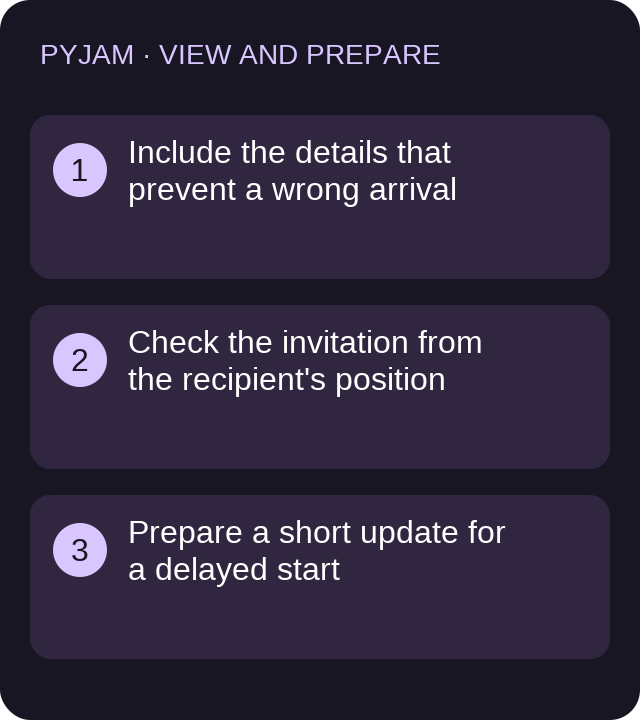
Include the details that prevent a wrong arrival
State the calendar date, the start time, and the time zone you mean. Avoid relying only on phrases such as tonight or tomorrow when the audience spans locations. Name the subject and the destination where people should watch. If you provide a direct viewing link, describe what it opens rather than labelling every address simply click here. Keep preparation links for the organiser separate from links intended for viewers. An account's creator dashboard is not an appropriate invitation destination merely because it is where you prepared the event.
Check the invitation from the recipient's position
Open the intended route in the account state the audience is expected to use and inspect the result before the event. A route that works for the organiser may have different access conditions for a newcomer. Read any current account steps and describe them accurately when they matter. Check the page's state before the start so that an early arrival knows whether to wait or return later. If the service does not provide an event-specific link at that stage, explain the actual discovery route instead of inventing one or promising a scheduled page that does not exist.
Prepare a short update for a delayed start
Choose where the audience will receive an update if the session is delayed or the link changes. Keep the message practical: whether you are still preparing, where to look next, and when another update will appear. If using Pyjam, review the creator-area options and the app's current requirements separately from the public viewing journey. A map can help people explore available public videos, but it does not guarantee that your planned session appears before it is actually published. After the event, describe any replay only if it exists and the chosen service supports the intended access. Preserve the distinction between the announced plan and what viewers can currently open.