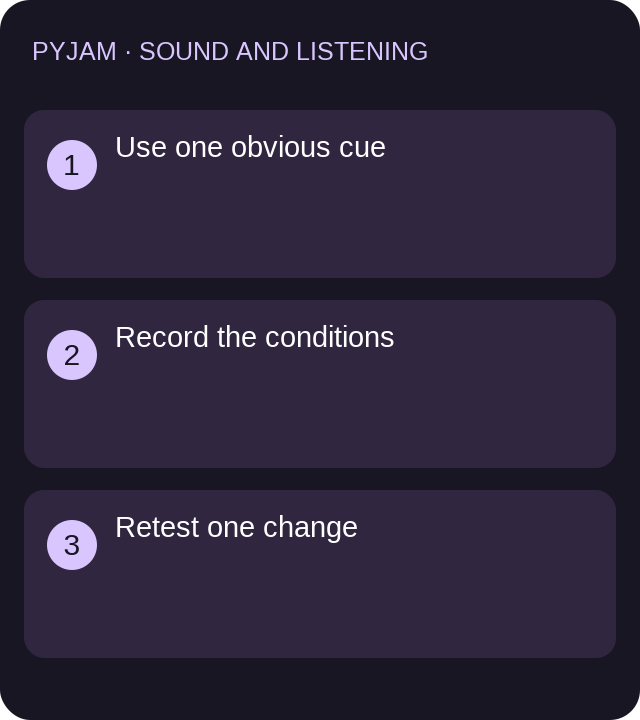
Use one obvious cue
In rehearsal, clap once in view or say a short phrase with visible mouth movement. Review through the viewer route, not only the camera preview. Repeat after the setup has run for a while. Do not judge synchronisation from a separate audio monitor and an unrelated video window, since those paths may introduce different delays themselves.
Record the conditions
Note the broadcasting device, microphone, network and viewing device. If one viewer reports a problem, compare another available setup before changing the broadcast. If checks agree, inspect the broadcasting tool's official audio and video guidance. Avoid inventing a delay value that may apply to one accessory but not another. Preserve the starting configuration so changes can be evaluated.
Retest one change
Change one part, repeat the same visible cue and compare. Keep original settings noted so you can return if the adjustment makes things worse. For demonstrations depending on timing, use a simpler setup until speech and action are understandable together. A good local preview is useful preparation, but it is not a confirmed audience-side synchronisation test.
Try the check in Pyjam
Open Pyjam’s preparation route and inspect the available setup before choosing to broadcast. Use the rehearsal above to decide what to check; opening the app alone does not start or confirm a public session.
Prepare a Stream in Pyjam