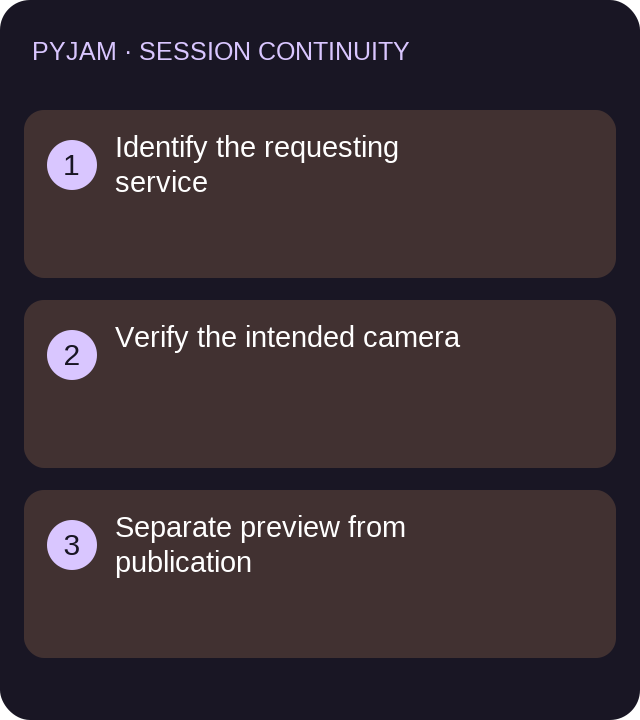
Identify the requesting service
Check the app name or site address before responding. For previously denied access, use current service and device guidance. Do not weaken unrelated security settings because a generic tutorial suggests it. Viewing alone may not require camera access. Keep that distinction clear when a preparation link leads to a prompt you did not expect, and pause to inspect the context.
Verify the intended camera
Inspect the preview after the relevant request and confirm it shows the expected view. Check framing and privacy before proceeding. If unavailable, preserve the message and consult official browser or device help. Repeated grants do not resolve every source problem. A blank preview can have another cause, so record what happened rather than treating permissions as the only possible explanation.
Separate preview from publication
Identify start and end controls before using them. Stop at preview if rehearsing only. Opening Pyjam's preparation route is a step to inspect its available workflow; permission does not automatically prove a public session, and devices may behave differently. Ask a helper to inspect the viewer route when you intentionally test transmission, keeping that action distinct from a local camera check.
Try the check in Pyjam
Open Pyjam’s preparation route and inspect the available setup before choosing to broadcast. Use the rehearsal above to decide what to check; opening the app alone does not start or confirm a public session.
Prepare a Stream in Pyjam