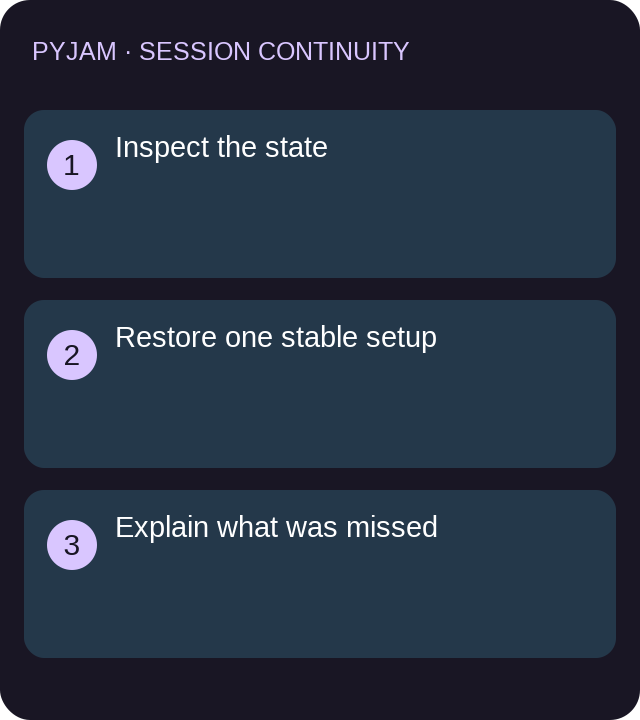
Inspect the state
Use visible broadcasting status and the viewing route. Preserve error text before dismissing it. Ask a helper what their page shows. A moving camera preview does not establish reconnection. Keep the original viewing link available for comparison rather than immediately replacing it with a new address whose purpose you have not verified. First learn which part of the session remains active.
Restore one stable setup
Return to the last checked arrangement and change only the suspected weak part. If conditions remain unsuitable, finish with an explanation instead of promising an immediate return repeatedly. Follow the service's current recovery guidance: continuation and link behaviour differ. Do not assume one platform's reconnect instructions apply to another or that restarting a device is always the necessary first action.
Explain what was missed
Once picture and sound work, identify the interruption point and repeat the essential step. Check whether the original link still reaches the session before sharing again. Keep a factual incident note. One recovery does not establish that the cause can never recur. If repetition would be confusing, briefly show the completed state and explain how it follows from the last step viewers saw.
Try the check in Pyjam
Open Pyjam’s preparation route and inspect the available setup before choosing to broadcast. Use the rehearsal above to decide what to check; opening the app alone does not start or confirm a public session.
Prepare a Stream in Pyjam