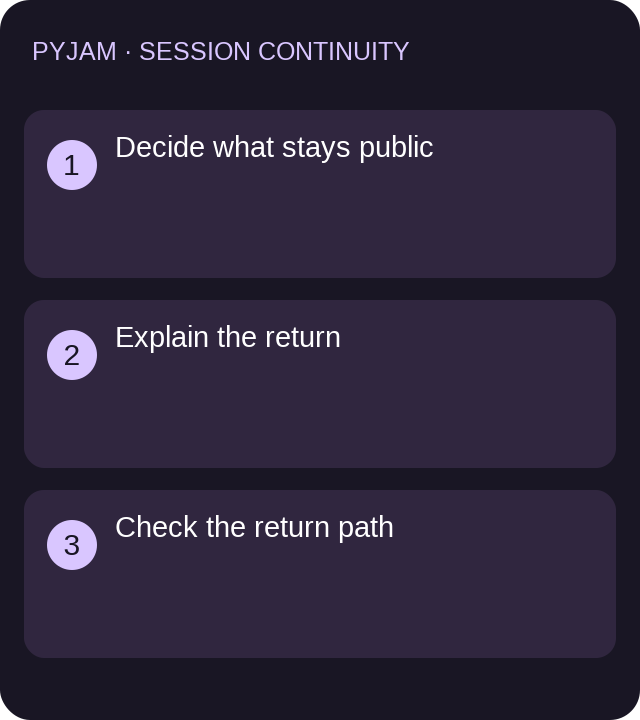
Decide what stays public
Check picture and microphone behaviour during the break. If no suitable holding view or mute option is verified, ending may be clearer. Avoid leaving private conversation or unattended activity visible. Rehearse the change before relying on it. A local preview or indicator is useful but should be compared with what a helper receives through the viewing route.
Explain the return
Say whether you intend to resume, what comes next and how viewers will know. Avoid a precise return promise you cannot maintain. Update the audience or close when a longer interruption becomes necessary. An unchanging silent image can look like failure. Keep the explanation tied to the actual situation rather than leaving an optimistic message that no longer describes your plans.
Check the return path
Rehearse restoring camera and microphone, then repeat a context sentence. Ask a helper to confirm both sides of the transition. Do not assume a local mute proves all transmitted sources were silent. Use the simplest verified sequence. Note which controls you used so you do not have to experiment again while the audience waits for the presentation to continue.
Try the check in Pyjam
Open Pyjam’s preparation route and inspect the available setup before choosing to broadcast. Use the rehearsal above to decide what to check; opening the app alone does not start or confirm a public session.
Prepare a Stream in Pyjam