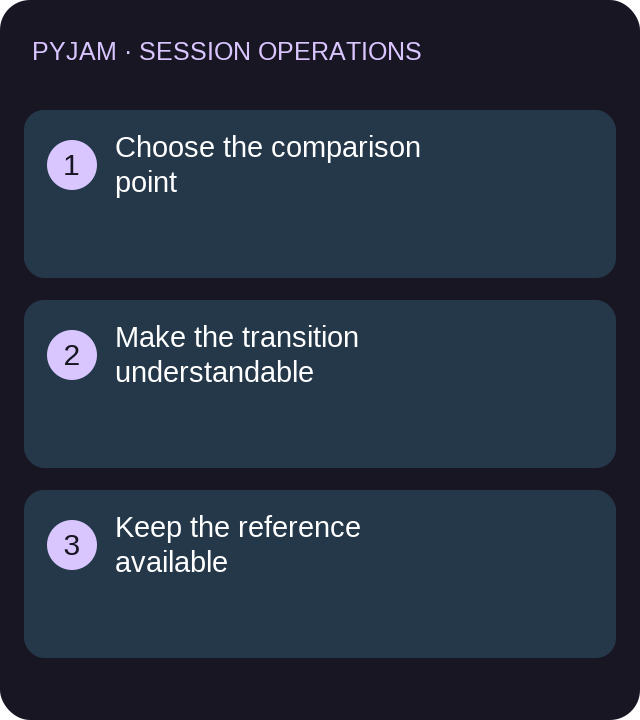
Choose the comparison point
Name one variable and the detail that will show its effect. Prepare a starting view with an identifiable orientation and describe the relevant state aloud. Keep other conditions as stable as the task permits. If the subject or camera changes too, note that limitation. Do not treat two attractive images as a controlled comparison merely because one is shown before the other.
Make the transition understandable
Explain the deliberate change, show the resulting state and return attention to the same detail. Hold the picture long enough for a normal inspection in the intended receiving view. Include words that identify the difference rather than relying on a rapid switch or a pointer alone. For example, describe which edge is now aligned instead of saying the result is obviously better.
Keep the reference available
Revisit the starting state when the explanation depends on it, using a clearly identified earlier view if necessary. Ask a helper to name the change and any condition that also moved. Record the accepted comparison with its limitations. The purpose is to make an observed difference understandable, not to imply a universal result from one demonstration or conceal changes that complicate the interpretation.
Comparison record
Use starting state, intended variable, stable reference, resulting state, other changed conditions and spoken explanation. Example rejection: lighting changes together with object position, so the audience cannot attribute the difference to one cause. Revise the demonstration or describe the limited conclusion honestly before using the comparison in a session.
Try the check in Pyjam
Open Pyjam’s preparation route and inspect the available setup before choosing to broadcast. Use the rehearsal above to decide what to check; opening the app alone does not start or confirm a public session.
Prepare a Stream in Pyjam