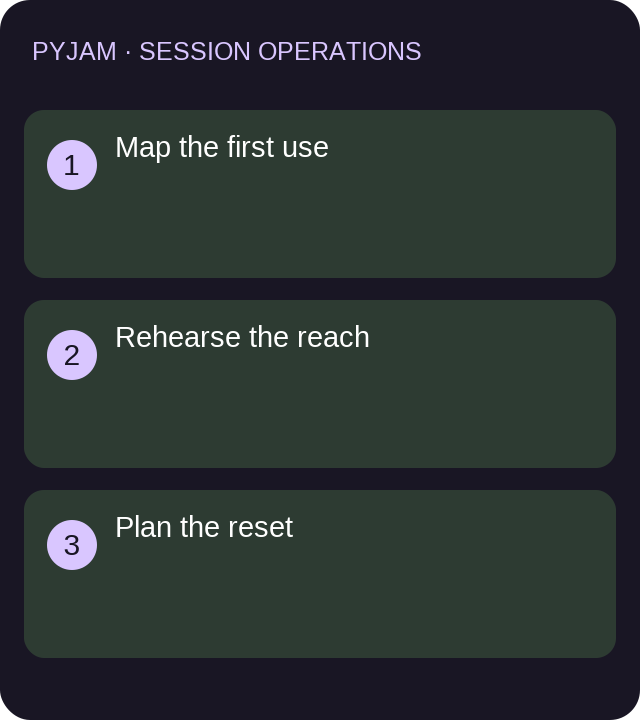
Map the first use
List each required object and the step in which it first appears. Separate the starting materials, partially completed example and final result so they cannot be confused on camera. Use permitted and appropriate materials for the task. Keep private labels and irrelevant packaging outside the useful view. A tidy surface is helpful only if the presenter can still identify what comes next without interrupting the explanation.
Rehearse the reach
Perform the introduction, object pickup, widest movement and placement of the result at the planned camera angle. Describe the objects as they enter the demonstration. Check whether a hand hides a label or the presenter reaches across an important action. Change the layout around the real movement rather than forcing an awkward gesture solely to preserve a symmetrical arrangement that looked attractive in a still picture.
Plan the reset
Name where used objects go and how the starting state is restored for another take. Keep similar-looking stages distinct during cleanup as well as presentation. Ask a helper to name the current step from the explanation and picture. If they mistake the finished example for the starting material, revise the introduction or arrangement before the audience session. This staging plan supports clarity without replacing task-specific handling requirements.
Materials staging sheet
Write object, first-use step, starting position, used-object position and reset method. Example: two folded samples look identical at the camera's scale; add an explicit spoken distinction and show the relevant difference. Keep the final arrangement with the running order so the next rehearsal begins from the accepted state.
Try the check in Pyjam
Open Pyjam’s preparation route and inspect the available setup before choosing to broadcast. Use the rehearsal above to decide what to check; opening the app alone does not start or confirm a public session.
Prepare a Stream in Pyjam