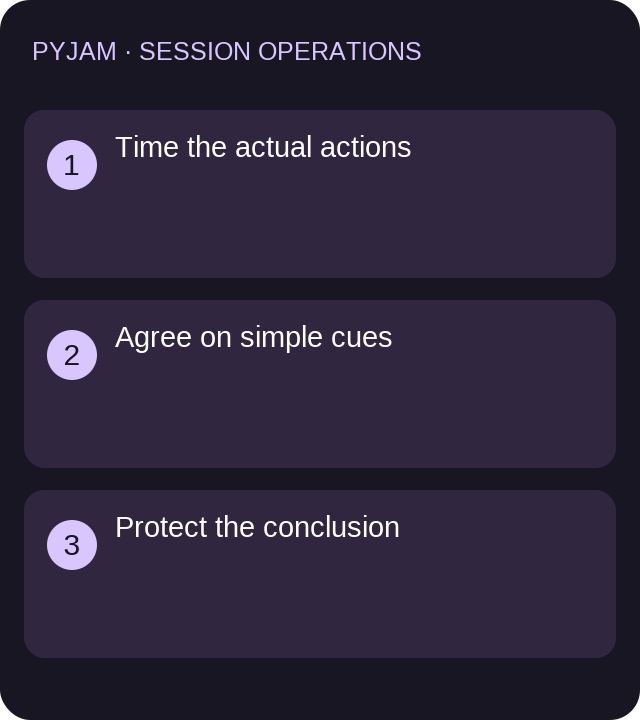
Time the actual actions
Rehearse the opening, explanation, main movement, questions and conclusion with the intended materials. Note observed durations instead of allocating every segment from intuition. Mark which step depends on the previous one. Keep reading and access needs in the timing plan. A visually quick action may need a slower spoken explanation or a pause for a viewer to inspect the result.
Agree on simple cues
Choose a small set of operator signals and rehearse how the presenter responds. A cue should lead to a defined choice, such as skipping an optional second example or moving to the recap. Do not add several urgent signals that compete with the explanation. Keep cues out of the audience's picture when they are internal production aids, and avoid an operator speaking over an essential instruction.
Protect the conclusion
If the main demonstration runs long, use the agreed reduction rather than silently omitting a necessary step. Preserve a clear result and next action for the audience. Record the actual timing after rehearsal and revise the plan when it repeatedly overruns. A precise-looking schedule is not evidence that the session can be delivered coherently; acceptance comes from performing the sequence and understanding the tradeoffs.
Timing cue sheet
Write segment, observed duration, essential content, optional material and cue response. Example: remove the second comparison when the main example runs long, while keeping the final result explanation. Rehearse that shortened route too so a late cue does not force the presenter to improvise an unfamiliar ending.
Try the check in Pyjam
Open Pyjam’s preparation route and inspect the available setup before choosing to broadcast. Use the rehearsal above to decide what to check; opening the app alone does not start or confirm a public session.
Prepare a Stream in Pyjam