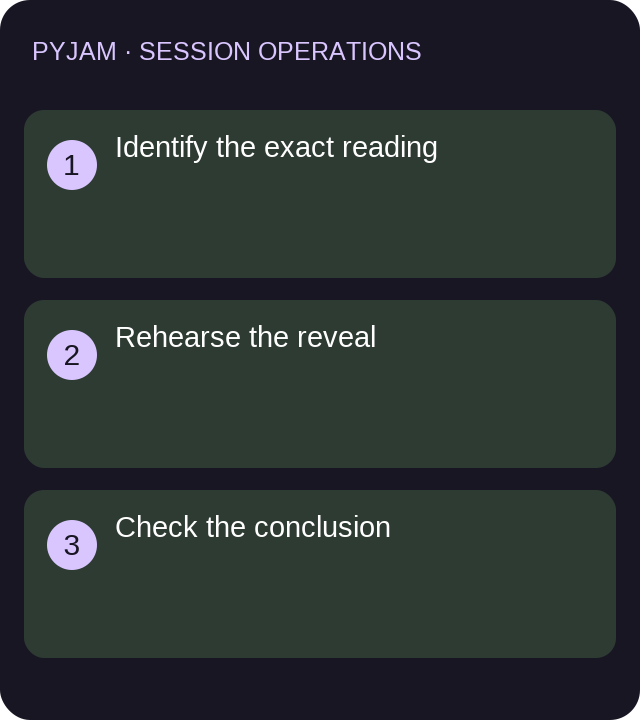
Identify the exact reading
Name what is being measured, the relevant unit and the reference point used in the demonstration. Use equipment appropriate to your competence and task. Prepare a framing that contains the indicator and enough context to show what it refers to. Keep the distinction between a measured result and an illustrative example explicit; a prepared number should not be presented as the current instrument's reading.
Rehearse the reveal
Place the instrument, let the relevant reading settle as appropriate and describe the value and unit aloud. Inspect whether hands, reflections or overlays hide the important part of the display. Check at the intended viewing size. Do not compensate for an unreadable scale by stating an unverified value. If a close-up is needed, explain the view change and preserve orientation so the audience knows the reading belongs to the same action.
Check the conclusion
Explain what the observed measurement supports within the demonstration and what it does not establish. Ask a helper to repeat the value, unit and reason it matters. Correct any ambiguity before moving on. Keep task-specific safety, calibration or professional requirements separate from this video-presentation exercise; a clear picture does not itself establish the scientific accuracy or suitability of an instrument.
Measurement presentation card
Write quantity, unit, reference point, framing, spoken value and helper's interpretation. Example: the numeral is visible but the unit is outside the frame; revise the view and explanation. Save the accepted presentation method with the lesson notes so a later camera change does not silently remove the essential context.
Try the check in Pyjam
Open Pyjam’s preparation route and inspect the available setup before choosing to broadcast. Use the rehearsal above to decide what to check; opening the app alone does not start or confirm a public session.
Prepare a Stream in Pyjam